All Posts
Browse all blog posts
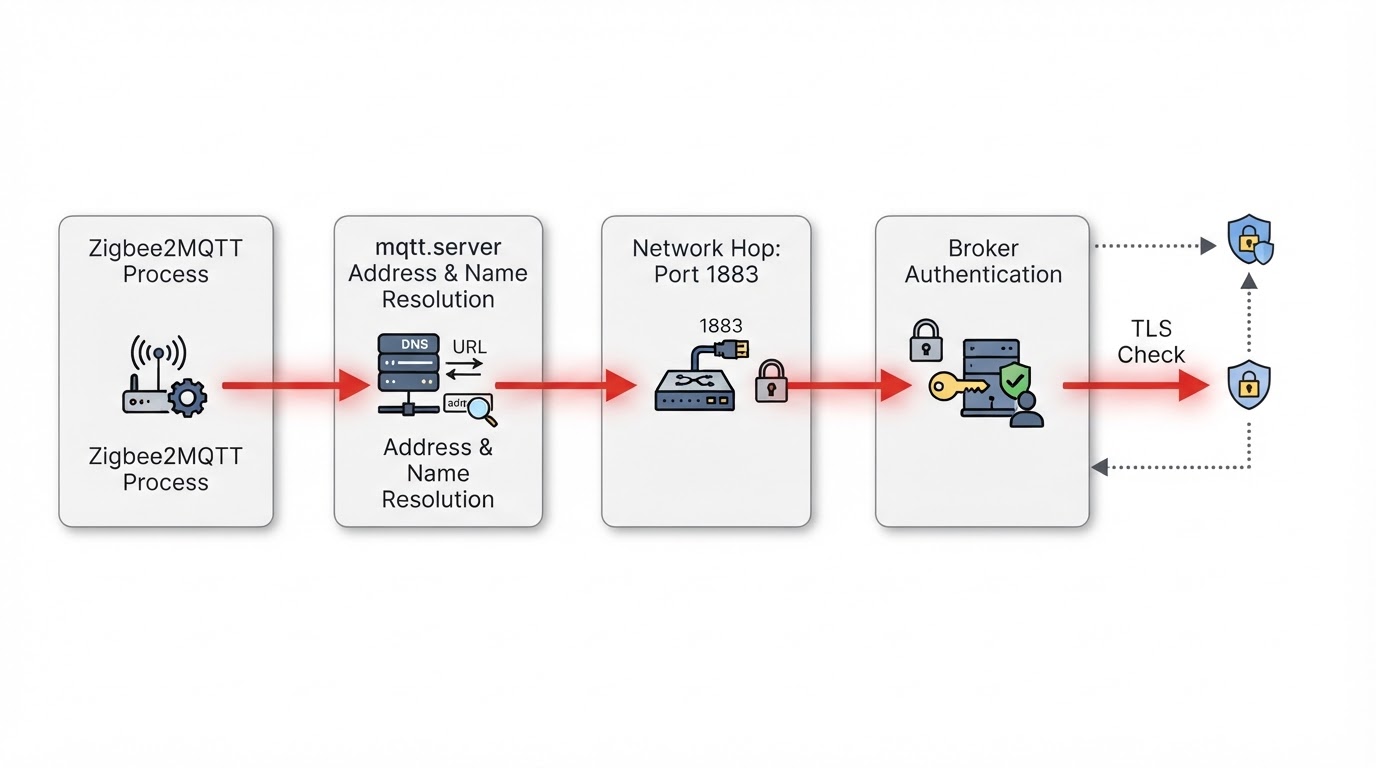
Zigbee2MQTT MQTT Failed to Connect: Check Broker, Address and Authentication
Zigbee2MQTT stops when its MQTT client cannot reach the broker, so fix the broker layer before touching the Zigbee network. Match the log line to its connection stage, check the address that fits your topology, and keep credentials out of any record you share.
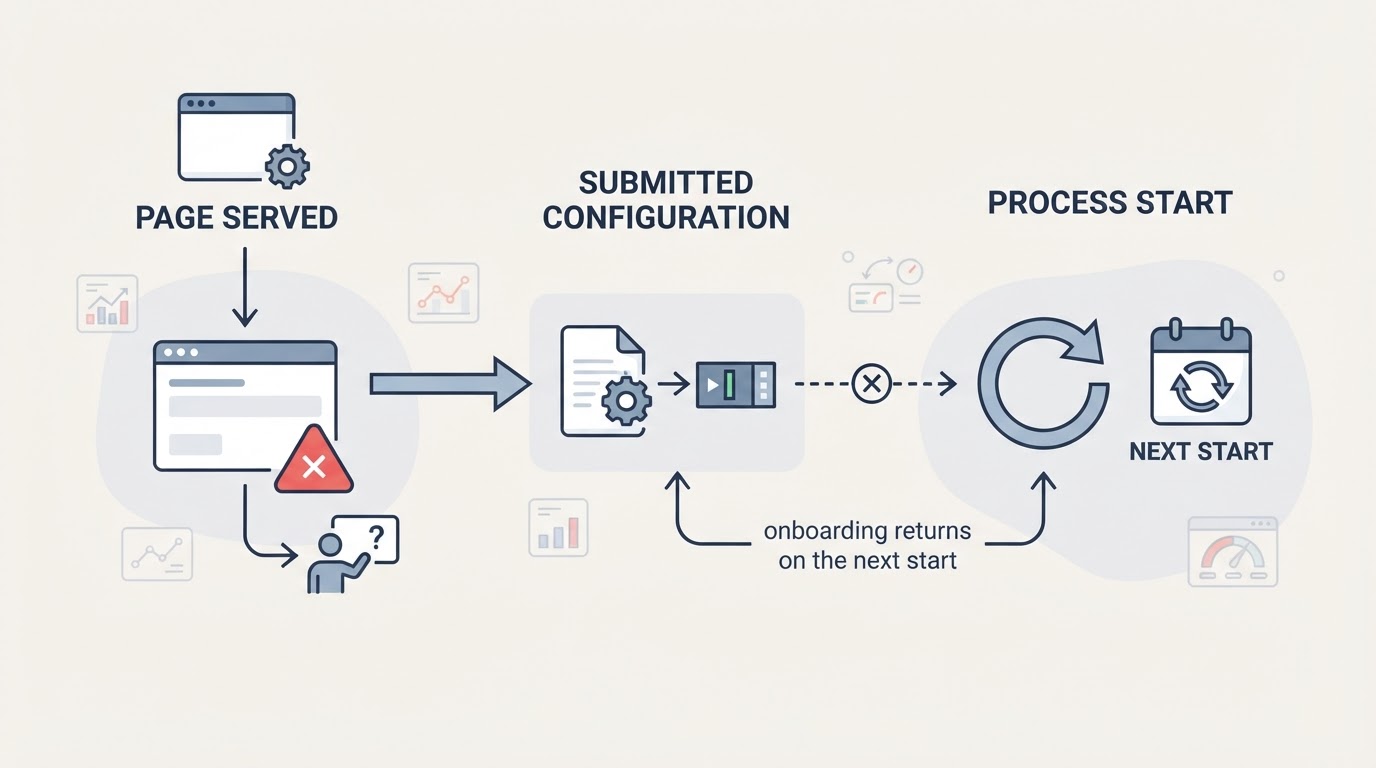
Zigbee2MQTT Onboarding Not Working: Page, Adapter and Validation Checks
A first-run onboarding page that will not load, validate or proceed is usually one of three layers failing. Separate the Home Assistant add-on, Docker and standalone addresses, then check the log, adapter path and type, MQTT reachability and data-directory write permissions before resubmitting the f
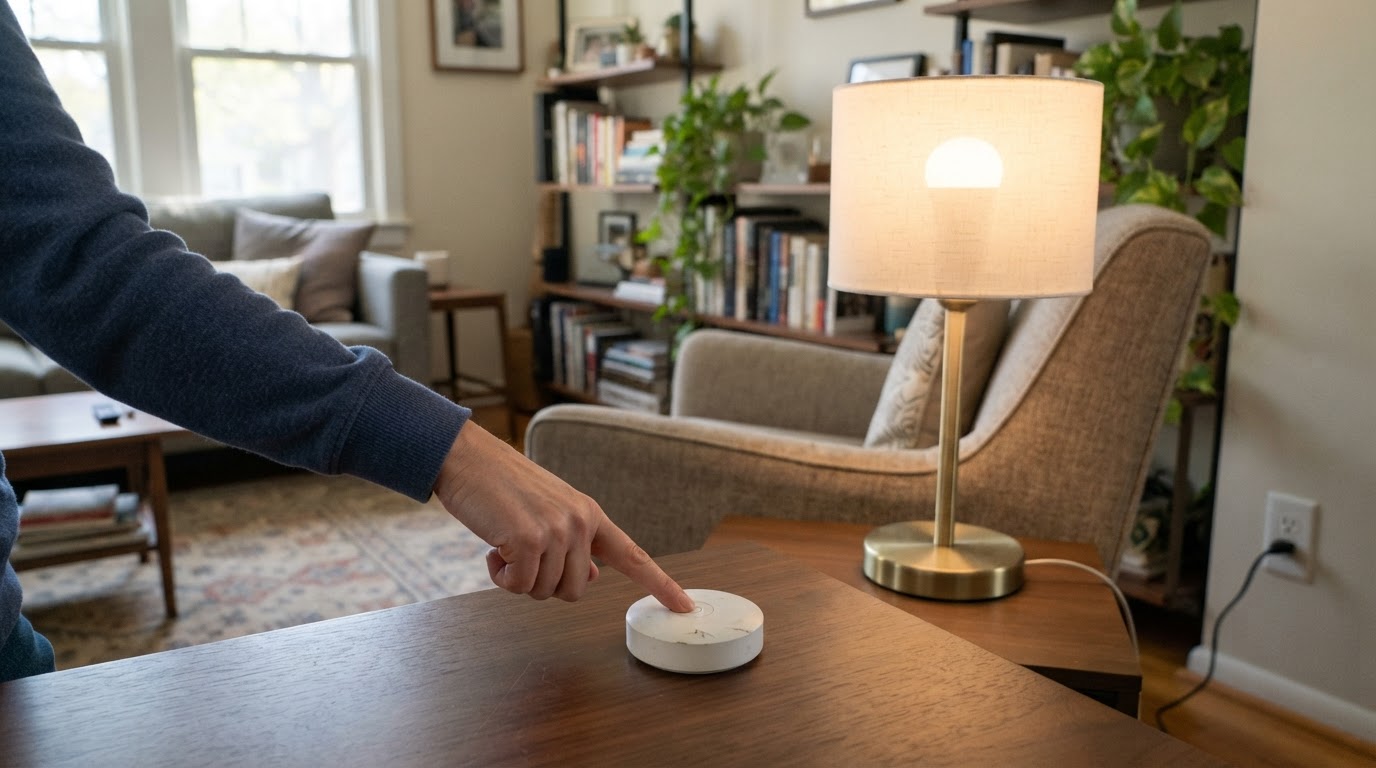
Zigbee2MQTT Binding Not Working? Check Support, Groups and Logs
Fix Zigbee2MQTT binding failures by reading the per-cluster bind result: separate a missing table entry from unsupported clusters, sleeping remotes and reporting gaps.
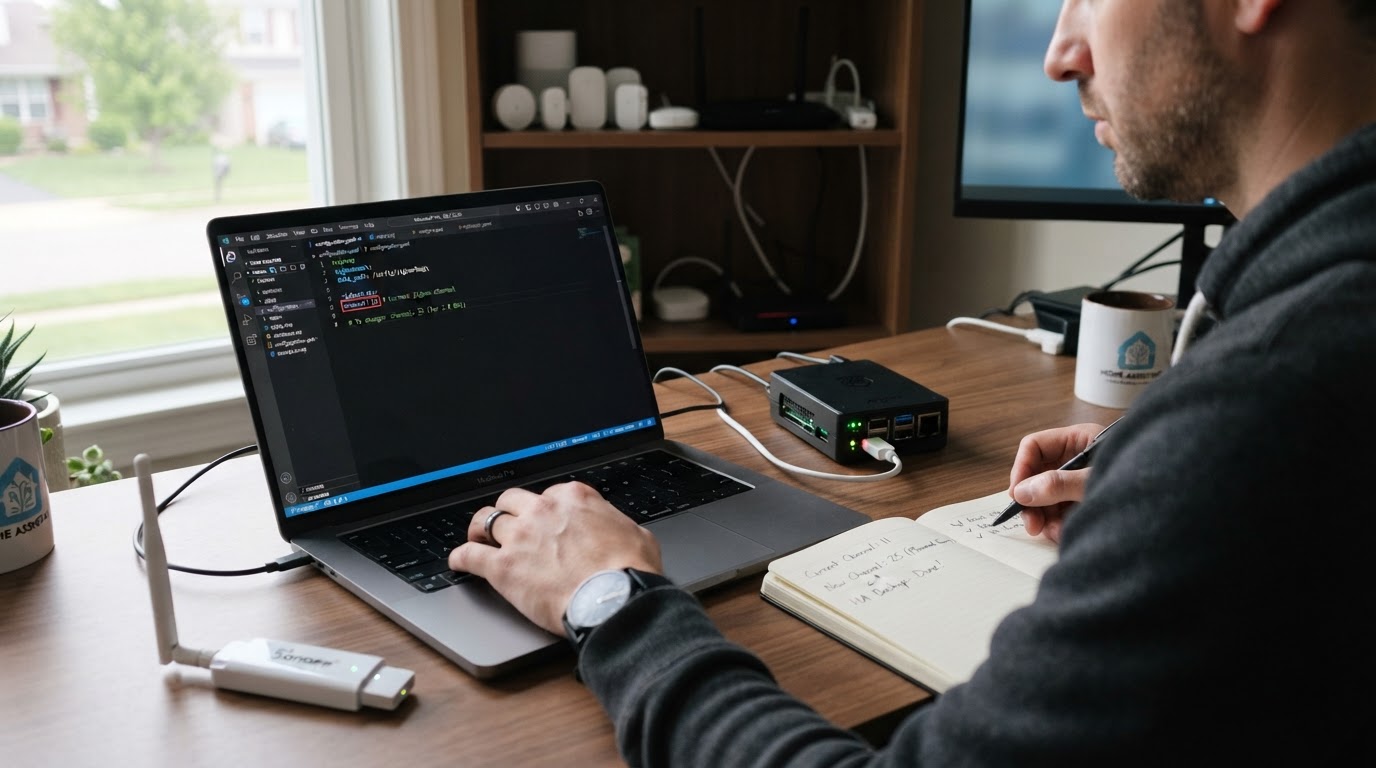
Change a Zigbee2MQTT Channel Without Re-Pairing? Check the Exceptions
A conditional answer for Home Assistant users: what a Zigbee2MQTT channel change keeps, which devices may still need re-pairing, and how to back up, check and roll back safely.
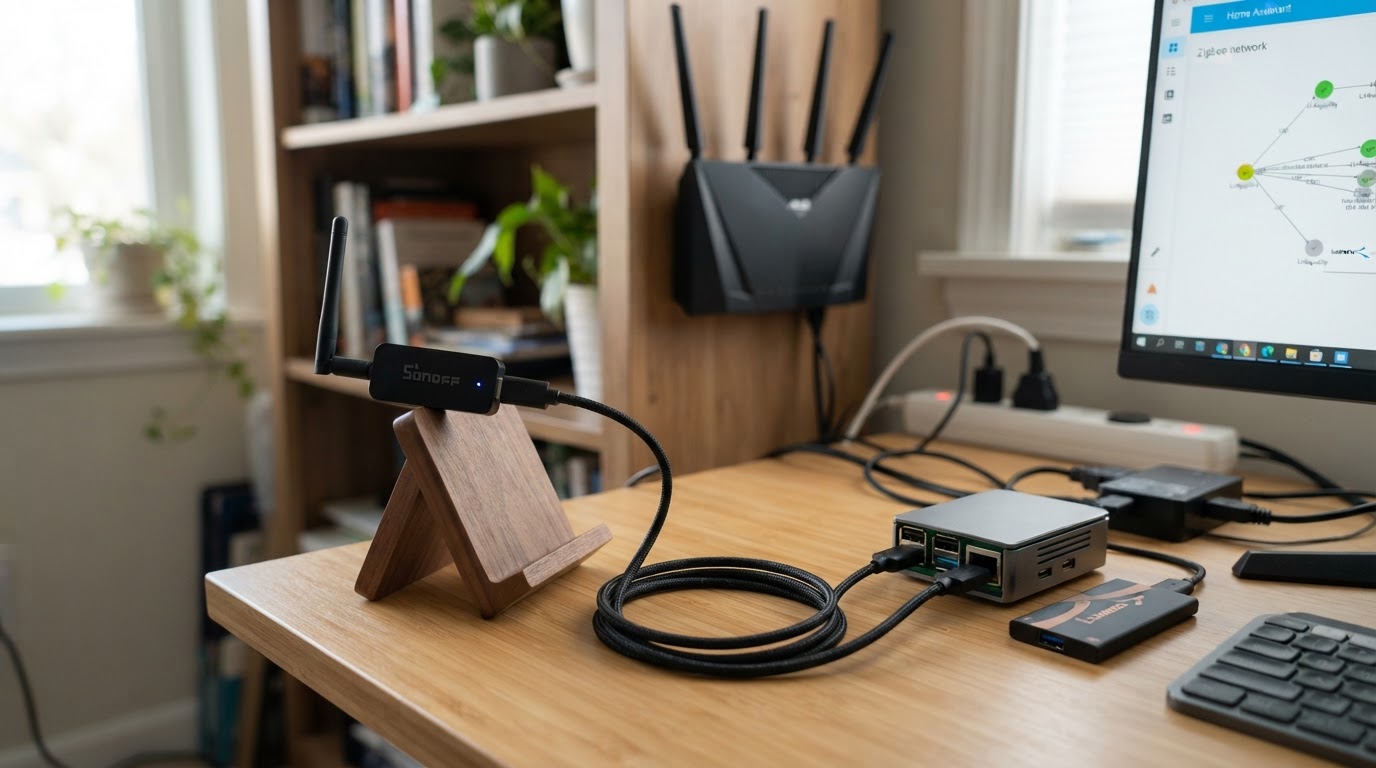
Zigbee2MQTT Devices Not Responding? Isolate the Network Problem
A practical, source-backed order for devices that stop responding while Zigbee2MQTT runs: branch on one device or many, then check availability, the coordinator, MQTT and the mesh before re-pairing.
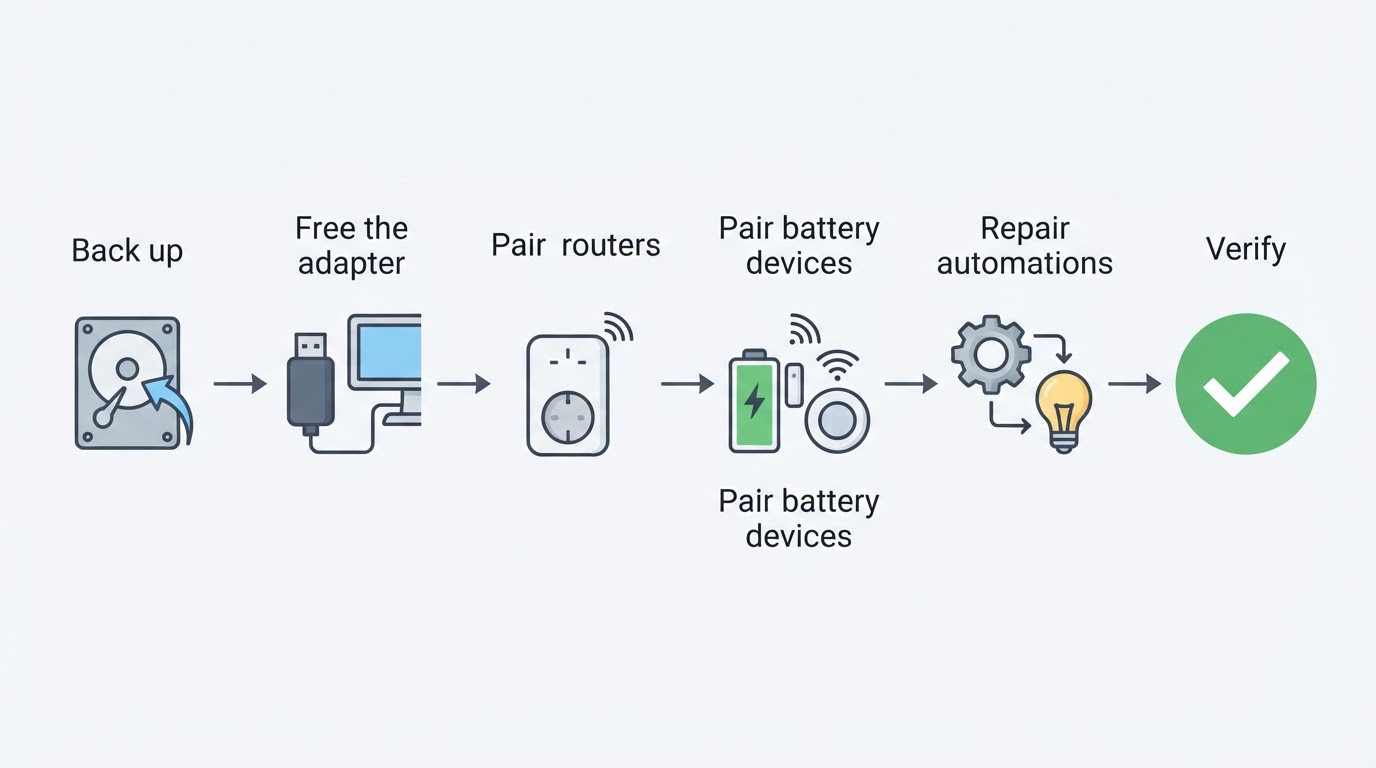
Migrate from ZHA to Zigbee2MQTT: What to Back Up and Re-Pair
A conservative, version-aware checklist for migrating from ZHA to Zigbee2MQTT: what to back up, what cannot transfer, and how to re-pair devices safely.
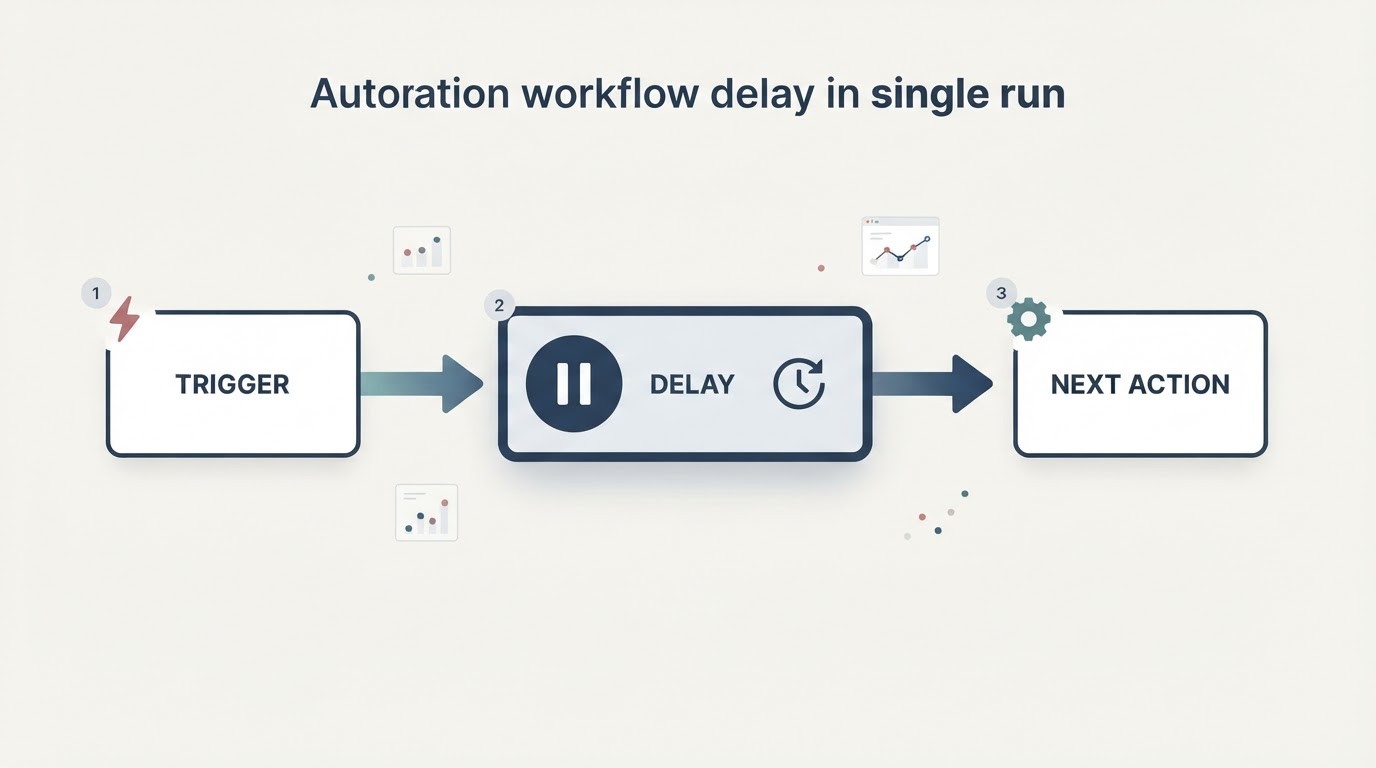
Home Assistant Automation Delay Not Working? Check Mode and Traces
A Home Assistant automation delay that looks skipped is usually a mode problem or a cancelled run. Check the automation mode, then read the trace to see whether the delay was dropped, cancelled or is still waiting.
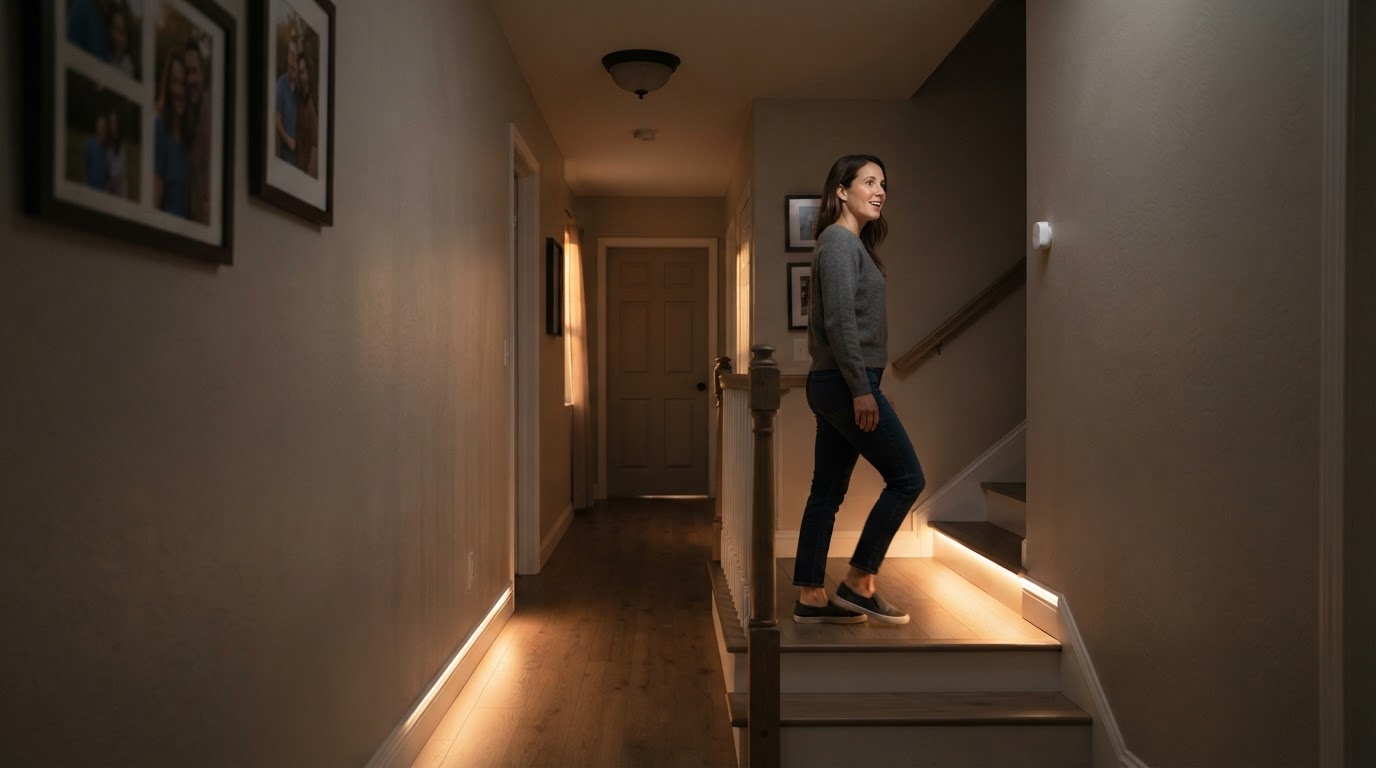
Home Assistant Trigger IDs: One Automation, Multiple Branches
A trigger id lets one Home Assistant automation branch per trigger with choose. Full lighting-scene YAML, a decision table, and how to test trigger-id branches when a manual run has no trigger context.
Can ZHA and Zigbee2MQTT Run at the Same Time?
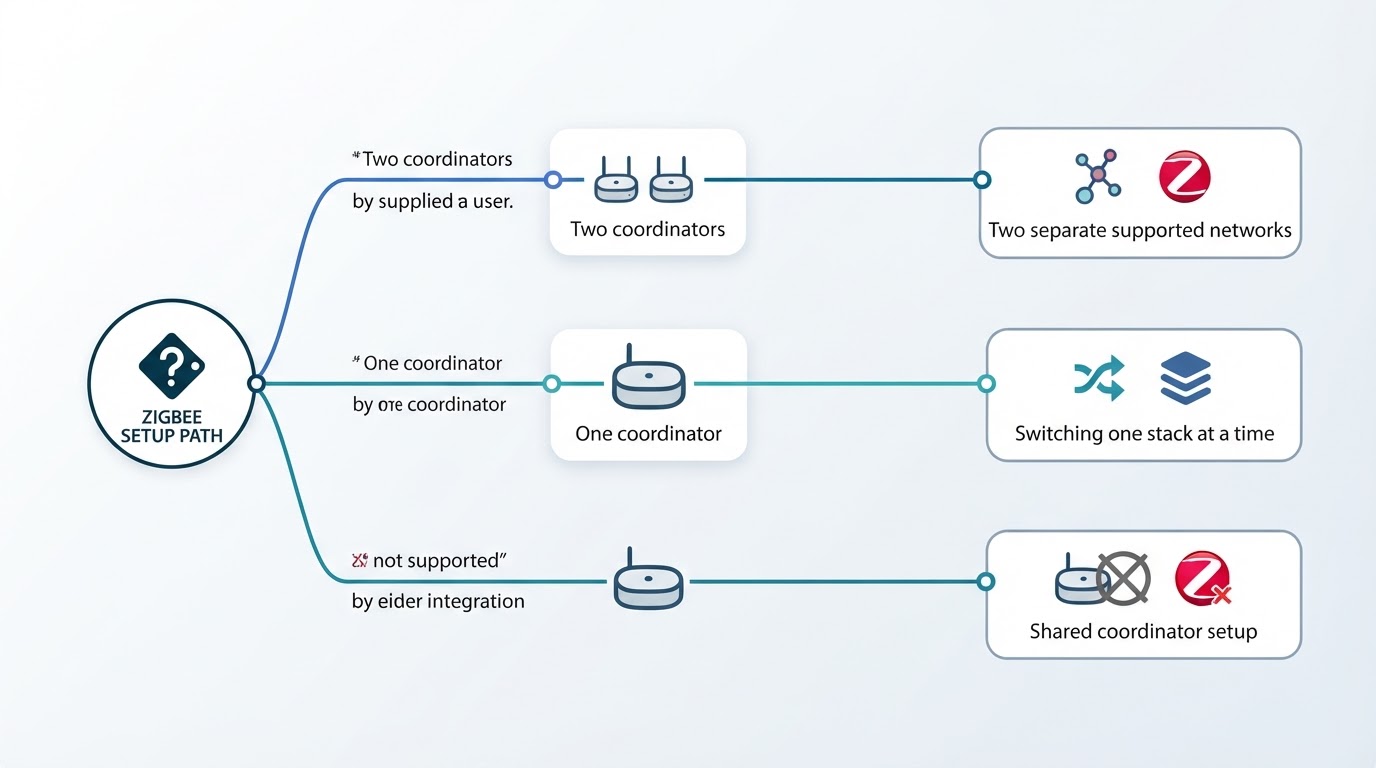
ZHA and Zigbee2MQTT can run side by side only as two separate Zigbee networks with two coordinators. Includes a decision table, migration preparation steps, limitations and three FAQs.