What a Direct Binding Is, and What It Is Not
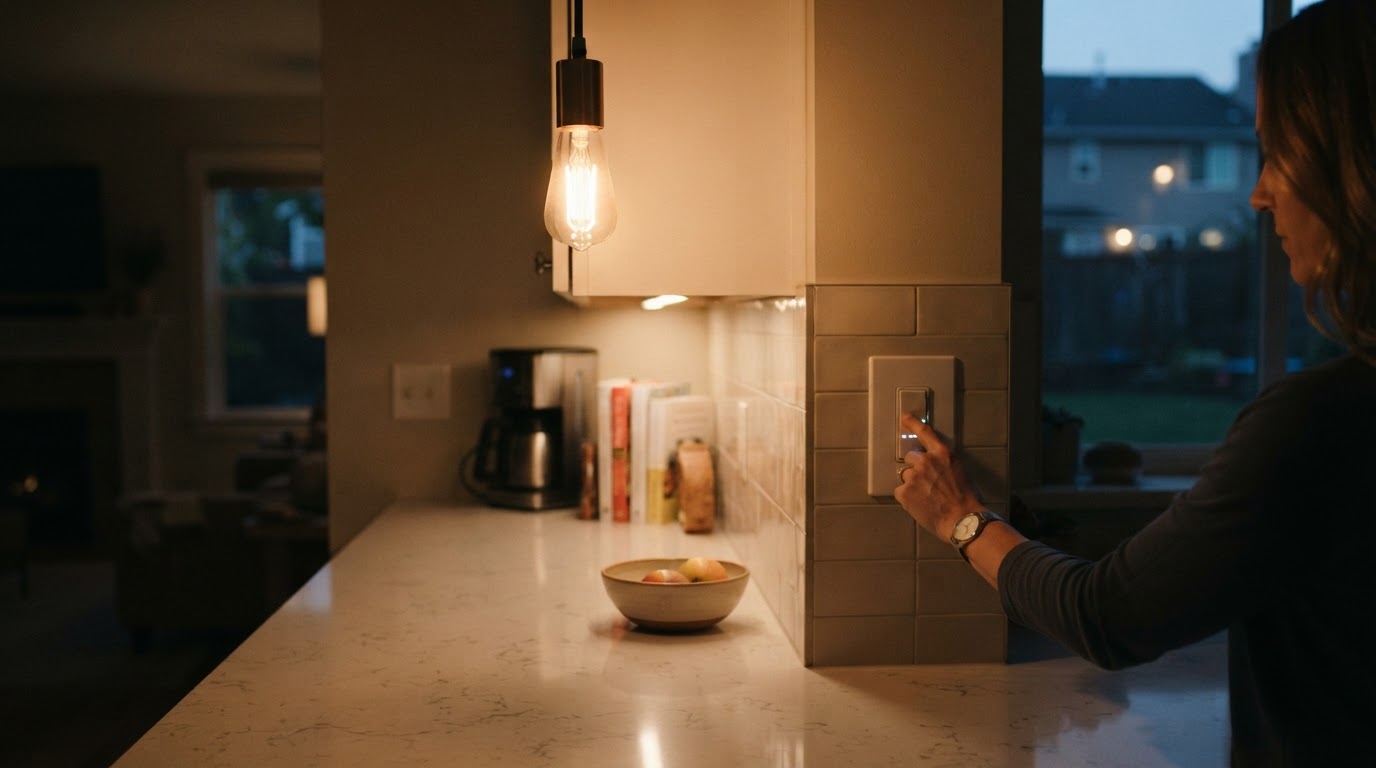
A binding tells one device to send commands straight to another device or group. Zigbee2MQTT writes the binding table entry, but the bound traffic then bypasses Zigbee2MQTT, MQTT and Home Assistant. The official Zigbee2MQTT binding documentation gives two reasons to use it: smoother dimming feedback, and control that keeps working when your automation software or the coordinator is down.
Three mechanisms look alike but behave differently:
- Direct binding — the source talks to one target device or group; local, fast, and absent from your automation history.
- MQTT automation — Zigbee2MQTT or Home Assistant applies your logic and sends a command back; it supports conditions, but needs the software and broker up.
- Group control — one command controls a set of devices; each device stores its own membership and decides whether a broadcast applies to it (groups documentation).
This is not the same as devices that stop responding. If the device is actually offline, follow the separate device-not-responding guide before troubleshooting binding.
Read the Bind Result Before You Change Anything
The frontend's Bind tab on a device page sends the same requests as the MQTT API, so repeat one bind and read the raw result instead of the success toast.
A request goes to zigbee2mqtt/bridge/request/device/bind with a payload like {"from": "my_remote", "to": "my_bulb"}, and the answer arrives on zigbee2mqtt/bridge/response/device/bind. clusters lists what bound; failed lists what did not. The response proves the table entry was written on the source device; it does not prove a usable command is sent at runtime, or that the target will act on it.
What you see | Check first | Why |
|---|---|---|
The request errors, or every cluster lands in | Wake a battery-powered source, then retry | A sleeping device misses the request |
The response says ok, but | Whether the target implements that cluster | All supported clusters are bound by default |
Bind succeeds, | Support on both ends, then runtime behaviour | A written entry is not proof the command works |
Zigbee2MQTT never shows the bound action changing state | The target's reporting support | Reporting is configured on binding, and not every device supports it |
A group binding fails | The group's friendly name in the payload | A group ID is not a valid target |
State updates stop after you removed a binding | The reporting unbinding removed | Unbinding strips it unless you pass |
Check Device Support and Endpoints
Binding depends on the device's own Zigbee implementation, so not every device supports it; check each device's page in the supported devices list before treating a failure as a bug, and check both ends of the link. Endpoints matter on devices that expose more than one: the default is the first registered endpoint, usually endpoint 1, and from_endpoint and to_endpoint target a specific one. That is rare, but it explains failures on multi-endpoint switches and remotes.
If support is not the issue, redo the binding without touching the rest of the network: zigbee2mqtt/bridge/request/device/binds/clear clears all bindings for a device, or selected ones by IEEE address, and Zigbee2MQTT updates its cache from the response.
When the Bind Works but the Action Does Nothing
A successful request and a working physical action are two different outcomes. Three causes explain most of the gap.
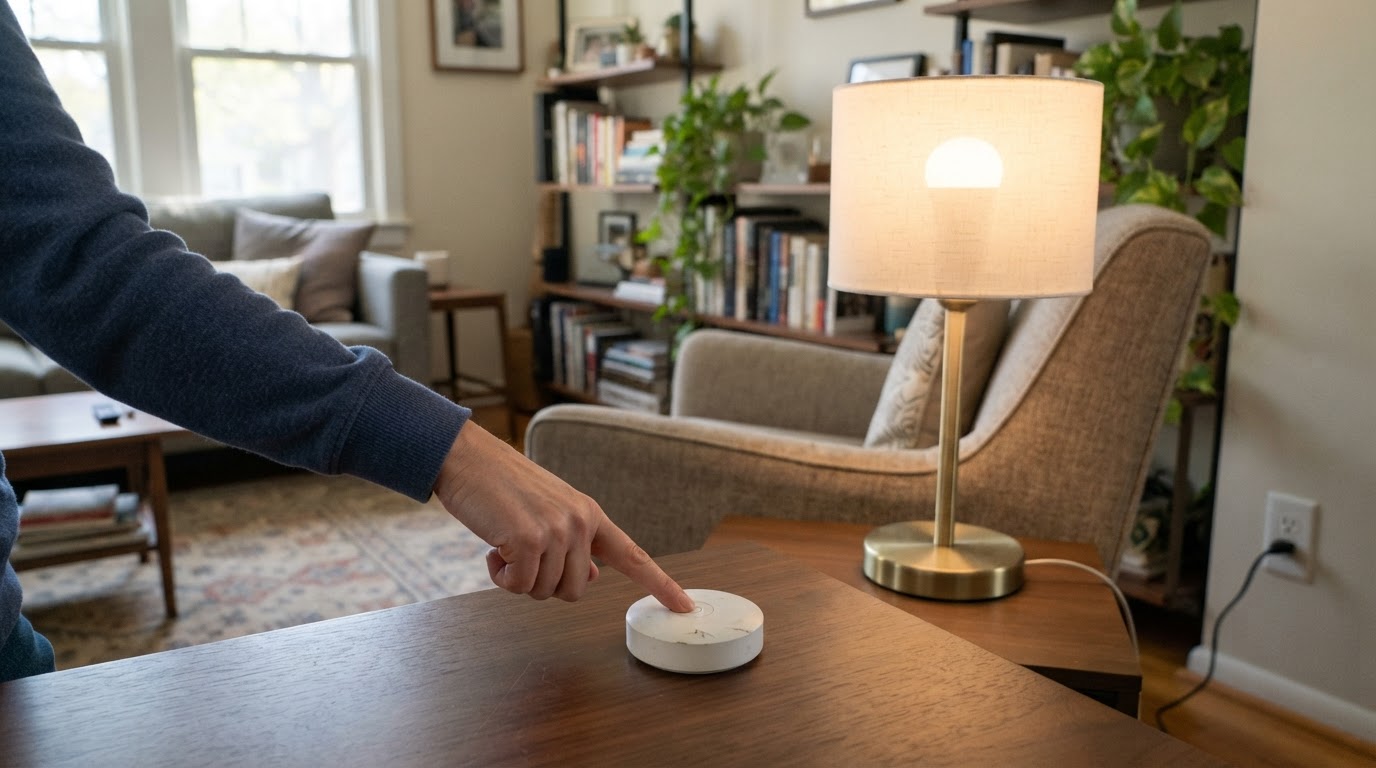
The source is sleeping. Battery devices sleep most of the time, and Zigbee2MQTT documents that bind and unbind failures on battery devices are mostly caused by sleeping. Wake a battery-powered source device immediately before you send the request, then press one of its buttons to confirm the command path.
The target does not report. Binding configures reporting on the target, so it tells Zigbee2MQTT when the bound source changes the state. Where reporting is unsupported, the official workaround is a group binding, which makes Zigbee2MQTT poll for updates. Polling adds traffic, so it is not enabled for every device.
The reporting was removed. Unbinding removes the reporting configuration it set up. If you clear a binding, plan to set reporting up again, or keep it by passing skip_disable_reporting in the unbind request.
Choose Between Binding, Groups and Automation
Situation | Best fit | Why |
|---|---|---|
A remote should dim one bulb with no lag | Direct binding to the device | Stays local and works without the automation software |
One remote should control several lights | Bind the remote to a group | One target, and it covers devices that do not report via polling |
The action needs conditions such as time or presence | MQTT automation | Binding has no conditions; it only forwards commands |
You need a history of who changed what | MQTT automation | Bound commands bypass MQTT and Home Assistant history |
The target has no binding support | MQTT automation or group control | You cannot force a binding the device does not implement |
A Safe Order of Operations
- Read the per-cluster result of one bind; do not judge by the toast.
- Wake a battery-powered source immediately before retrying.
- Confirm support on both ends and for the clusters you bind; check endpoints on multi-endpoint devices.
- Set
log_level: debugif the response is not enough; debug logs are not published to MQTT or the frontend unless you addlog_debug_to_mqtt_frontend: true(logging documentation). - Decide how state gets back: reporting on the target, or group binding plus polling.
- Clear an old binding only if it is in the way, then bind again.
- Back up before disruptive coordinator changes; never delete the network as a first step.
A binding is done when the physical action works without the automation software in the path and you know how state returns to Home Assistant. A written table entry alone is not the finish line.
Limitations
- Not every device implements binding; clearing and rebinding cannot create it.
- A bind response proves the entry was written, not that the runtime path works.
- Reporting support varies by device and firmware; group binding plus polling is a workaround, not a guarantee.
- Bound commands stay local, so Home Assistant history, logbook and MQTT traces will not show them.
- Re-pairing or deleting the network is not a binding fix and can break working devices.
FAQ
Why does Zigbee2MQTT say the bind worked but nothing happens?
The ok status means the request completed, not that every cluster bound. Check failed first. If it is empty, the entry exists, so the next suspects are cluster support, target reporting and the source's runtime behaviour.
Do I need to re-pair devices to create a binding?
No. Binding is separate from pairing and works on already paired devices. Re-pairing is disruptive and does not create a capability the device does not have. Wake a sleeping battery device before sending the request instead.
Should I bind a remote to a device or to a group?
Bind to a group when the remote controls several devices, and consider it when devices do not support reporting, because Zigbee2MQTT can then poll for state. Bind to one device when the relationship is genuinely one to one.