What changing the channel actually does
Zigbee2MQTT treats the Zigbee channel as one network-wide setting: advanced.channel in configuration.yaml, with 11 as the default and a restart required before a new value takes effect (Zigbee network configuration).
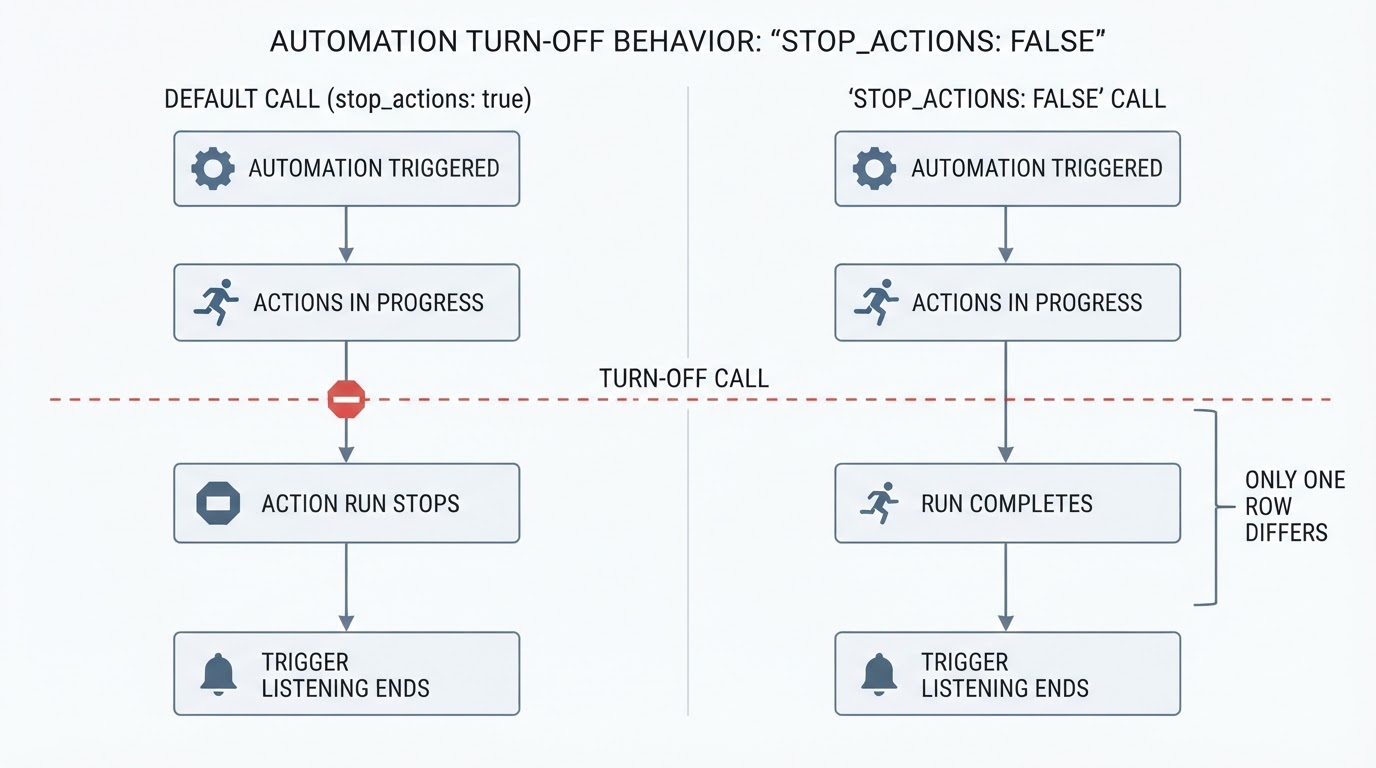
Changing the channel of an existing network is supported. In Zigbee this is done by broadcasting a network update that tells the devices to move to the new frequency, and Zigbee2MQTT sends that broadcast during startup when the configured channel no longer matches the adapter. The official documentation describes two limits on that broadcast. It is only supported on zstack and ember adapters, and it only reaches devices that are awake to hear it. Battery-powered end devices usually sleep through the change and move at their next wake-up, which is why the guidance is to trigger them after the change.
None of this touches your pan_id or network_key. Those settings define the network identity and encryption, and changing either of them requires re-pairing all devices (Zigbee2MQTT FAQ). A channel change only moves the network within the 2.4 GHz band; it does not create a new network.
Will you need to re-pair? A decision table
What you are changing | What usually happens | What to do |
|---|---|---|
Channel on a | The broadcast moves routers and awake devices; sleeping devices move at their next wake-up | Wake and trigger battery devices after the change, and re-pair only the ones that stay silent |
Channel, and a device is still unresponsive several minutes after being triggered | Some Zigbee devices do not support changing channels | Re-pair that single device manually |
| Every device is refused by the new network identity | Re-pair every device, as a separate job rather than together with a channel change |
Coordinator on an adapter that is not | The channel-change broadcast is not supported | Do not expect devices to follow on their own; plan the work accordingly |
A coordinator or adapter swap in the same session | Adapter switches have their own re-pairing rules | Keep the swap separate from the channel move |
Before you change anything
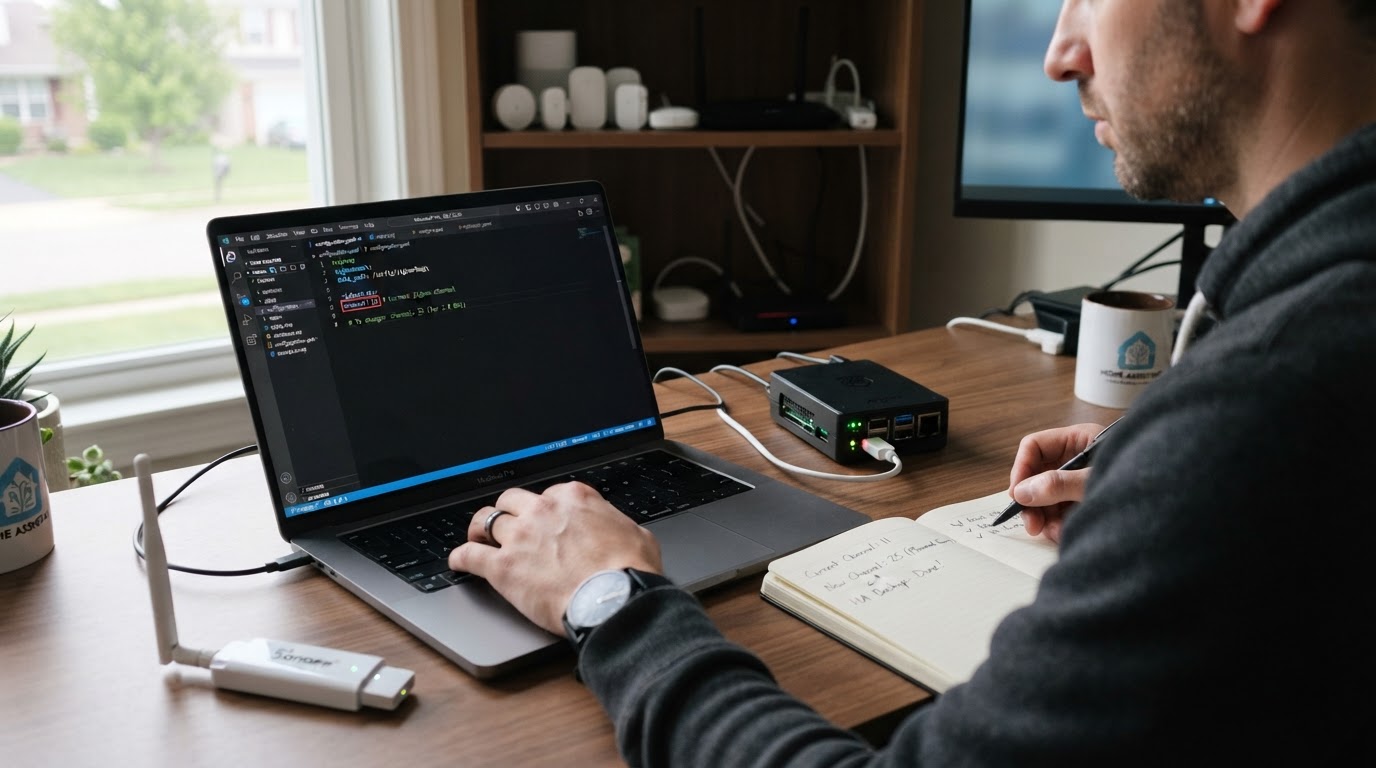
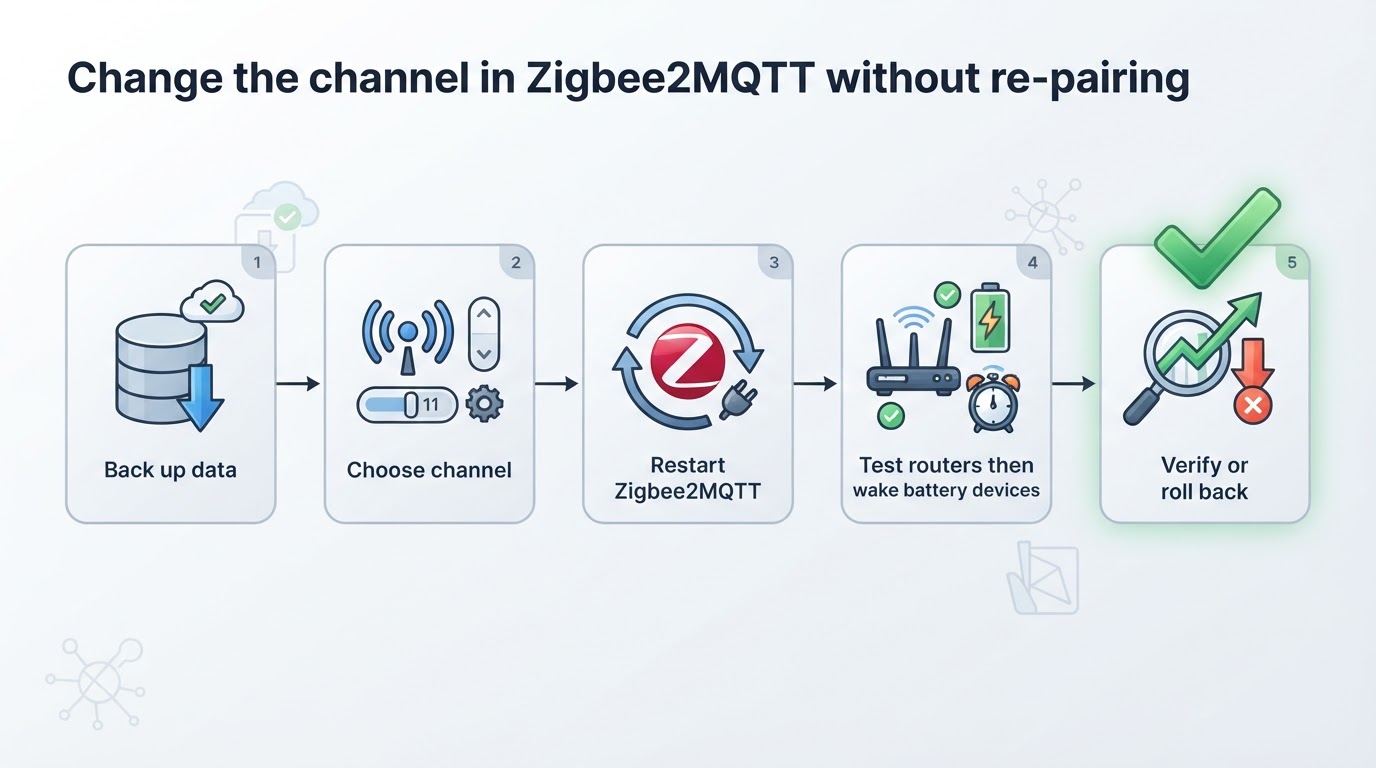
Back up the Zigbee2MQTT data directory first. That directory holds configuration.yaml and the network database, and the FAQ's advice for moving an instance is to copy its contents (Zigbee2MQTT FAQ). A file copy protects configuration, but it may not by itself reverse a channel already written to the coordinator or followed by devices; check your adapter's recovery procedure. Write down the current channel, then pick a new one after assessing your own 2.4 GHz environment (Improve network range and stability). The documentation suggests ZLL channels 11, 15, 20 and 25 as starting points, not a guaranteed quiet channel. Set aside a maintenance window, and keep network_key and pan_id out of the edit.
Step by step: change the channel in Zigbee2MQTT
- Open
configuration.yamland set the new value in theadvancedblock. - Restart Zigbee2MQTT and watch the log. A channel change logs warnings such as
Changing channel from '18' to '19'andChannel changed to '19', followed by the normal startup line (Zigbee network configuration). - Test the mains-powered routers first — bulbs, plugs and other always-on devices are awake and should answer immediately.
- Trigger each battery device: press its button, open the door or window it watches, or send one command so it wakes and picks up the change.
- Check the network map and linkquality values. Re-interview anything that still looks wrong, and re-pair only the devices that remain unresponsive.
If one device will not come back
Some Zigbee devices simply do not support changing channels. If a device is still unresponsive several minutes after the change, and after you have triggered or woken it, the documented next step is a manual re-pair of that device. One stubborn sensor or switch does not mean the whole network failed, so fix it individually instead of rebuilding everything.
When to roll back
If more devices stay offline than you can recover in your maintenance window, stop making changes and consult the coordinator-specific rollback procedure. Returning to the old channel may itself require another network update, waking sleeping devices and re-pairing any device that failed to follow. Restoring only the data directory is not a guaranteed one-step rollback once the adapter or devices have changed channels.
Changing the channel is not a ZHA migration
Moving from ZHA to Zigbee2MQTT builds a new Zigbee network, so devices must be reset and paired into Zigbee2MQTT again; the FAQ lists re-pairing as required for that kind of move. A channel change keeps the same pan_id and network_key, so the existing pairings stay valid. If you are planning a stack migration, budget time for re-pairing every device. If you are only moving frequency because of interference, use the channel steps above and expect most devices to follow.
For a broader comparison before changing stacks, see our ZHA versus Zigbee2MQTT guide.
Frequently asked questions
Does changing the Zigbee2MQTT channel require re-pairing?
Not always. On zstack and ember adapters the change is broadcast, so most devices move on their own. Some devices do not support changing channels, and a device that stays unresponsive minutes after being triggered may need a manual re-pair.
Which channel should I choose?
There is no universal best channel. Scan your own 2.4 GHz space and avoid the frequencies your Wi-Fi uses most; the documentation suggests the ZLL channels 11, 15, 20 and 25 to avoid problems, and notes that the change may require re-pairing some devices.
My devices are missing after the change. What should I do?
Trigger or wake each one first, because battery devices only switch at their next wake-up. If a device is still unresponsive several minutes after that, re-pair it. If too many stay offline, restore your backup and put the old channel back.
How This Guide Was Put Together
This guide follows the current Zigbee2MQTT documentation; it does not claim a live channel-change test on this site's own network. Confirm your adapter type and backup options before changing the network.