A Zigbee2MQTT MQTT failed to connect, exiting... line indicates a failed broker connection. Read the accompanying reason and check where the broker runs; this error is not a reason to reset or delete your Zigbee network.
What the "MQTT failed to connect" line is telling you
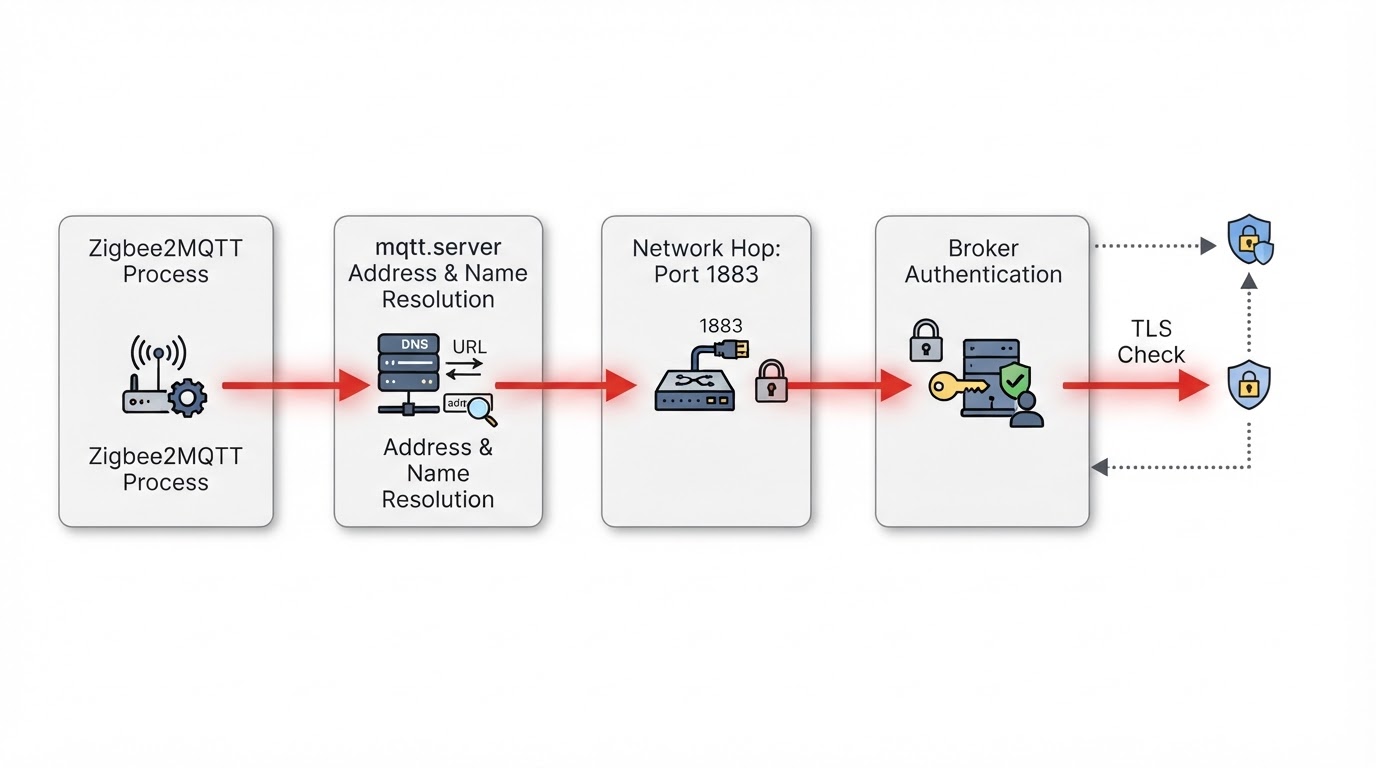
Zigbee2MQTT requires an MQTT server connection, and the official MQTT reference makes mqtt.server required. The client logs the error and exits when the first session fails, and the bracketed reason points at one layer: name resolution, a refused or timed-out TCP connection, broker authorization, TLS or the server URL format.
Wording varies between releases; these examples illustrate stages, not one universal cause each.
Match the log to the connection stage
Example log text | Stage | Check first |
|---|---|---|
| Name resolution | The hostname in |
| Refused TCP connection | What listens on that port in the same namespace, and whether the address matches broker placement |
| Timeout | Firewall rules, the listening interface, and the host you meant to reach |
| Broker authorization |
|
A certificate error or | TLS |
|
| Server URL format | The |
Refused means the address rejected the attempt; a timeout means nothing answered. Either can have several causes, so use the check column.
Why localhost changes meaning in a container
localhost and 127.0.0.1 refer to the current network namespace. Inside a bridge-networked Zigbee2MQTT container, that loopback is the container itself, not a separate host or broker container. Host-networked containers share the host's namespace instead.
A refusal at 127.0.0.1 does not prove the broker is outside the container. It means the connection was refused in the namespace where Zigbee2MQTT ran: nothing listening on the port, a broker bound to another interface, the wrong port, or no broker there. The same string can work from your desktop and fail in the container: different namespaces.
Topology decides the address. With host networking, a same-host broker can be reached as localhost. On a bridge network, use the host's LAN address or the docker0 bridge address shown in the official Docker guide.
Branch by installation type
Treat every example as conditional; confirm your own service names and ports.
Topology | Broker runs where | Address shape that usually works | Note |
|---|---|---|---|
Home Assistant with the Mosquitto app | Broker app container |
| Specific to this Home Assistant setup |
Two Docker services on a shared user-defined network | Broker container | For example, | Confirm the shared network, actual service name and listener port |
Zigbee2MQTT in a container, broker on the host | Host machine | Host LAN address, or the docker0 bridge address | Bridge networks do not share the host loopback |
Standalone or remote broker | Another machine |
| Depends on the listening interface, firewall and TLS |
Check the configuration Zigbee2MQTT actually loads: the Home Assistant app configuration, the standalone data directory, or the data directory mounted into Docker. Compose may also supply environment overrides; changing an unused file will not change the running client.
Verify the broker from the same namespace
- Connect a separate MQTT client from the same namespace with the configured host, port and credentials.
- Read the broker log at the same timestamp: Mosquitto records rejected clients with the connecting address.
- Restart in order: broker first, then Zigbee2MQTT.
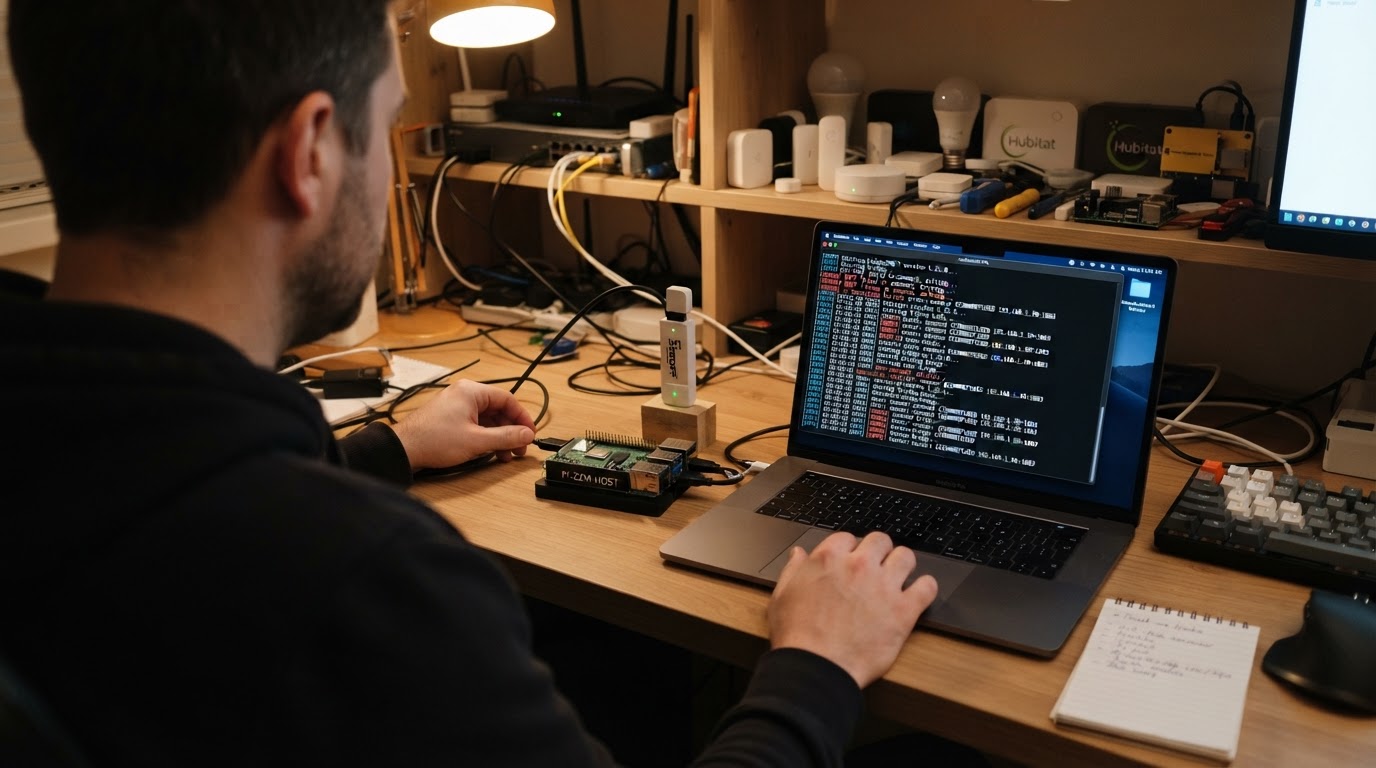
The broker check succeeds when Zigbee2MQTT reports its own MQTT connection established. Adapter startup and pairing are separate checks; a successful connection from another client alone does not prove Zigbee2MQTT has loaded the same settings.
Credentials and TLS
The Mosquitto Home Assistant app does not support anonymous logins; every connection needs a username and password. Create the user in Home Assistant's user settings (homeassistant and addons are reserved) and mirror password changes in Zigbee2MQTT's mqtt block, which keeps its own user and password.
For TLS use mqtts:// and the encrypted port (8883 by default once the app has certfile and keyfile), point ca at a readable certificate, and keep reject_unauthorized: true. Set server_name when the certificate hostname differs. With require_certificate: true, a username and password alone are refused.
Record the failure without exposing secrets
Fill this in with redacted values; it is an editorial aid, not manufacturer advice.
- Install type: ____
- Broker location (host, container, remote): ____
- Server URL, sanitized (host and port only): ____
- Exact error text, secrets removed: ____
- Broker log, same timestamp: ____
- One check or change made: ____
- Result: ____
Never publish passwords, tokens or keys. Keep changes reversible; do not delete the Zigbee network or disable TLS verification to hide the error.
Broker connection is not coordinator startup
Adapter, serial-port and ping-timeout errors (Cannot lock port, SRSP - SYS - ping after 6000ms) belong to the coordinator layer, as do pairing and interview failures after MQTT succeeds. Do not change adapter, network or database settings to fix an MQTT address, and do not delete the coordinator backup. Use the Home Assistant startup checklist and the official fails-to-start guide for that path, or the setup guide while installing.
FAQ
Why does localhost work from my desktop but not from Zigbee2MQTT? Different network namespaces: localhost means the machine or container the client runs in, so from the container it points at the container.
Does Zigbee2MQTT retry when the broker is down? The initial failure ends the process, and a supervisor or restart policy can repeat the loop. Fix the address or credentials instead.
I changed the MQTT password in Home Assistant. Do I need to update Zigbee2MQTT too? Yes. Zigbee2MQTT keeps its own user and password, so update both sides and restart.