Zigbee Coordinator for Home Assistant:
Choose the Right One and Migrate Without Re-pairing
Most coordinator upgrades fail before the first device is unplugged because the user skips the backup. Get the form-factor right, match your integration layer, and swap hardware in under an hour without re-pairing a single device.
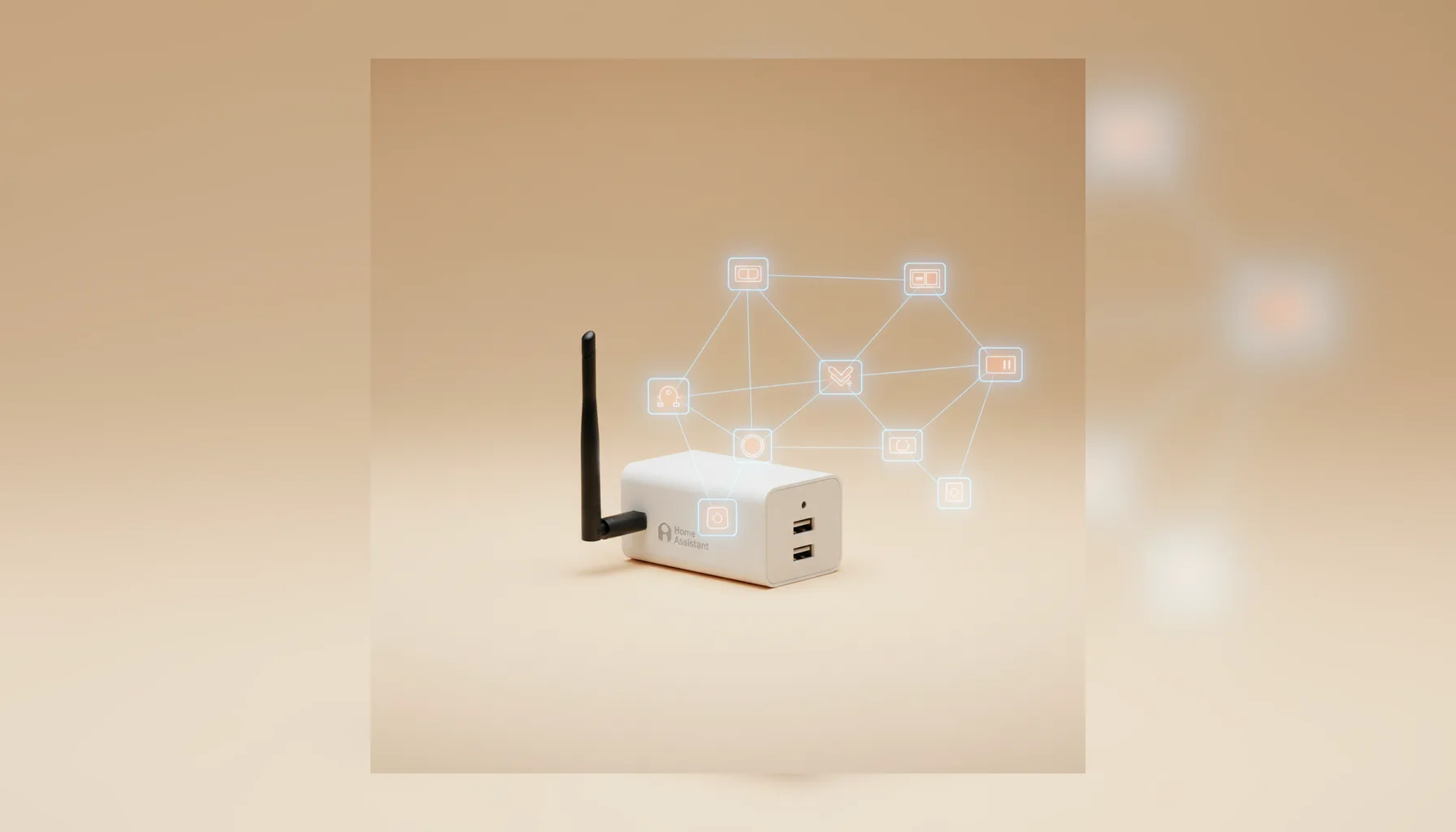
USB Dongle or Ethernet/PoE Coordinator?
The form-factor you choose matters more than the chipset for most Home Assistant setups. If your host is a virtual machine, a Docker container, or a NAS, USB passthrough adds complexity. An Ethernet coordinator removes that dependency entirely. For a straightforward Raspberry Pi or Home Assistant Green installation, a USB dongle on an extension cable is the simpler and less expensive path.
| Criteria | USB Dongle | Ethernet / PoE |
|---|---|---|
| Best for | Typical home setups, single Home Assistant host | Larger networks, Home Assistant on a VM or NAS, cleaner wiring |
| Example | Sonoff ZBDongle-E | SMLIGHT SLZB-06 |
| Placement | Plugged into the HA host; use a USB extension cable | Any location on your LAN, independent of the HA host |
| Interference | USB 3.0 noise — 1–2m extension cable fix | No USB noise; place it near the center of map |
| Cost | Lower | Higher |
Pricing changes. Confirm current listings before purchasing.
Does Your Integration Layer Change the Decision?
Both ZHA and Zigbee2MQTT work with the main USB and Ethernet coordinators. The integration you run changes setup steps, not the hardware shortlist.
ZHA (Zigbee Home Automation)
- • Built into Home Assistant—no extra broker required.
- • Backup and restore is handled by the built-in tool, enabling re-pair-free migration.
Zigbee2MQTT
- • Runs as an add-on or separate container.
- • Offers broader device support for edge-case devices and active community updates.
Before you buy, verify your specific coordinator model appears on the supported hardware list for the integration you run.
Back Up First, Migrate Without Re-pairing
The single biggest fear when replacing a coordinator is losing device pairings. On a 30–50 device network, re-pairing by hand takes hours. Follow this backup-first approach to avoid it entirely:
Back up your coordinator
Use the built-in backup tools in ZHA or Zigbee2MQTT and save the file externally.
Check channel overlap
Ensure your Zigbee channel avoids Wi-Fi interference using our overlap checker.
Install the new coordinator
Connect the device and update your integration's serial port or network address.
Restore the backup
Load your file into the new coordinator; it will adopt the existing network key and channel.
Power-cycle your devices
Most rejoin automatically. Wake battery devices manually if needed.

A Multi-Device Network on a Sonoff ZBDongle-E
A Home Assistant installation can run dozens of Zigbee devices—sensors, smart plugs, lights, and buttons—on a Sonoff ZBDongle-E with a 1.5 m USB extension cable. Moving the dongle away from the host's USB 3.0 ports is the placement fix that prevents most dropped devices.
A common interference case is Wi-Fi congestion on channel 15; moving to channel 20 can clear it. After that adjustment, the hardware should need no further attention.
Frequently Asked Questions
Q: Can I replace a coordinator without re-pairing?
Yes, if you back up the network key and channel before swapping. Restore the backup to the new coordinator, and your devices rejoin automatically.
Q: USB vs. Ethernet: What's the difference?
USB plugs directly into the host. Ethernet connects via LAN, making it better for VMs or placing the coordinator in a central location away from the server.
Q: Do I need a USB extension cable?
Strongly recommended. USB 3.0 ports and SSDs emit 2.4 GHz interference. A 1–2 m extension cable moves the dongle away to ensure performance.
Ready to optimize your Zigbee network?
Connected Home Notes recommends options on documented specifications and checks you can repeat on your own network.
Check Zigbee channel and Wi-Fi overlap before you swap to ensure a seamless migration.