Zigbee Buttons for Home Assistant:
A Practical Buying Guide
A Zigbee button is one of the most useful additions to a Home Assistant setup—a physical control that sits anywhere, runs for months on a coin cell, and fires any automation you want. This guide covers what to look for, how trigger events work, and which form factor fits your home.
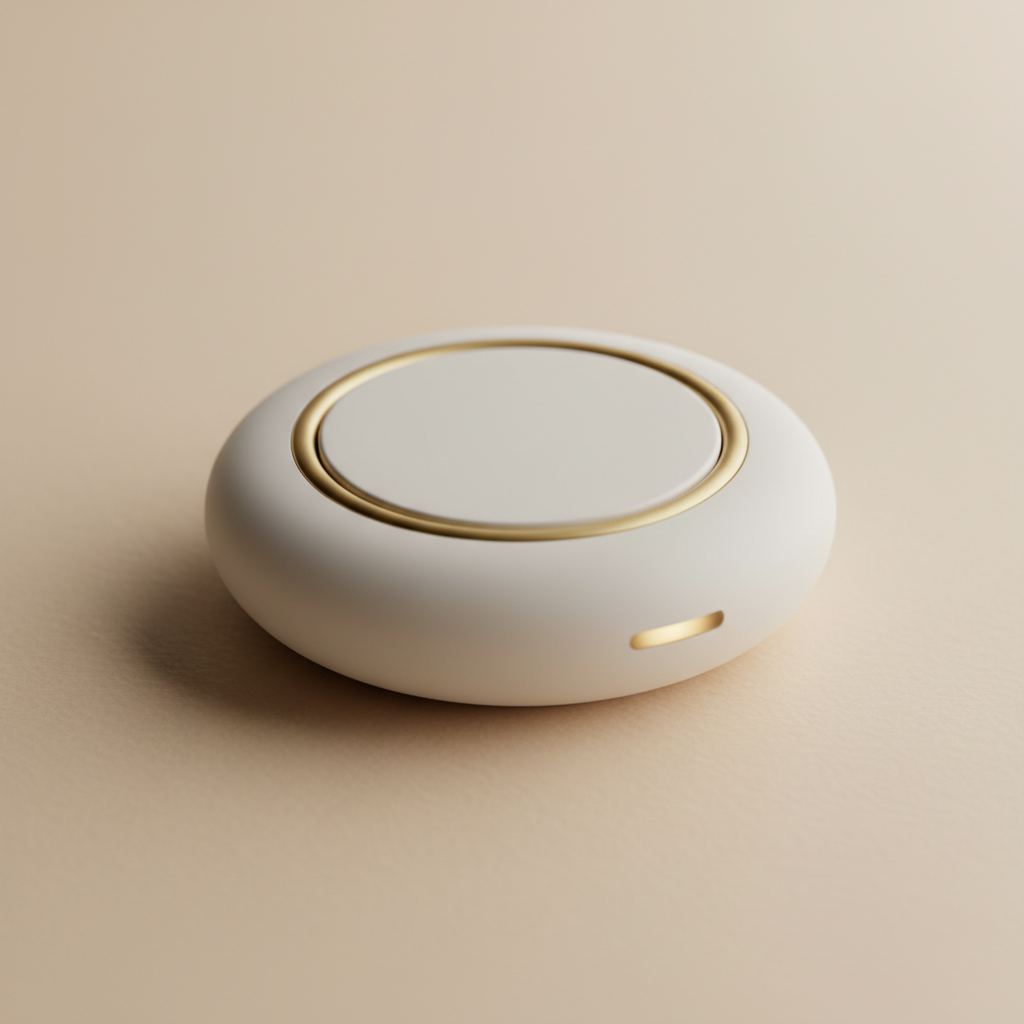
Start With Form Factor
Single-button trigger
A small puck or clip-on button designed for one scene or action. Ideal for bedside routines or doorbells.
Multi-button remote
Handheld remotes with 2-8 buttons. Common for room lighting scenes or media shortcuts like IKEA TRADFRI.
Wall-mount paddle
Battery-powered switch that sits in a wall plate. Looks like a wired switch but requires no neutral wire.
Desktop remote
Flat remotes designed for surfaces like nightstands. Often feature dedicated scene buttons and magnetic holders.
Trigger Types: What Home Assistant Actually Sees
A Zigbee button doesn't just send an "on" or "off" signal; it sends a button event—a combination of an identifier and an action type.
The most reliable trigger.
Fires immediately on release in both ZHA and Zigbee2MQTT. Recommended for speed and reliability.
Available on most multi-button remotes.
Requires the firmware to detect two presses, introducing a small delay. Useful for secondary actions.
Fires after ~500ms of being held.
Some devices send a continuous 'repeat' event, allowing for smooth dimming automations within Home Assistant.
Note: Always check the Zigbee2MQTT or ZHA compatibility lists for your specific model before purchasing.
ZHA and Zigbee2MQTT: What Changes for Button Users
| Feature | ZHA | Zigbee2MQTT |
|---|---|---|
| Setup | Built into Home Assistant, no separate broker needed | Requires an MQTT broker (Mosquitto) and the Zigbee2MQTT add-on |
| Button events | Exposed as zha_event — trigger from device or event directly | Exposed as MQTT actions — visible as action entities/sensors |
| Compatibility | Good, but some niche buttons have partial support | Often broader; community definitions fill gaps quickly |
| Recommended for | Beginners or simpler setups | Users wanting maximum compatibility or using MQTT |
For established brands like IKEA, Aqara, and Sonoff, either integration works well. Zigbee2MQTT is often better for less common Tuya-based buttons.
Not sure which coordinator to pair? → Zigbee Coordinator guideMatching Button Type to Your Use Case
Bedside Routine
Single-button trigger on the nightstand. One press runs a full shutdown or wake-up scene. Simplicity reduces miss-presses at 2 am.
Room Lighting Scenes
Two- to four-button remote. Map each button to a different scene (work, soft, off). IKEA TRADFRI remotes are a great starting point.
Secondary Wall Control
Wall-mount paddle with adhesive. Gives the feel of a real switch without wiring. Perfect for dimming if the model supports hold events.
Whole-Home Shortcut
Single button near the front door. One press arms the alarm, turns off all lights, and sets the thermostat as you rush out.
Before You Buy: A Quick Checklist
- 1
Check Compatibility: Does the device page list it as supported in ZHA or Zigbee2MQTT?
- 2
Verify Triggers: Do you need single press, double press, or hold-to-dim? Ensure the device supports them.
- 3
Select Form Factor: Wall-mount for hallways, tabletop for nightstands, handheld for living rooms.
- 4
Check Battery Type: CR2032 is common; AAA lasts longer. Avoid proprietary batteries.
- 5
Mesh Strength: Ensure you have a Zigbee router (mains-powered plug) nearby if the coordinator is far away.
Frequently Asked Questions
Do Zigbee buttons work without a hub?
No. They require a coordinator connected to Home Assistant to process events and trigger automations.
Can I use a Zigbee button to control non-Zigbee devices?
Yes. Once the event reaches Home Assistant, you can control Wi-Fi plugs, Z-Wave devices, or any managed entity.
What is the difference between a Zigbee button and a switch?
Buttons are battery-powered wireless remotes. Switches are typically wired in-wall devices that replace physical light switches.
How do I pair a button in Home Assistant?
Start pairing in your Zigbee integration, then hold the pairing button on the device (usually 5-10s) until the LED blinks.
Why is my Zigbee button not triggering automations reliably?
Common causes include a weak mesh, low battery, or listening for the wrong event type. Check Developer Tools → Events for clarity.