
Aqara FP300: What to Know
Before You Set It Up
An honest evaluation of the 5-in-1 presence sensor—how PIR and 60 GHz mmWave work together, and the practical paths to connect it to Home Assistant via Zigbee or Thread.
The Short Answer
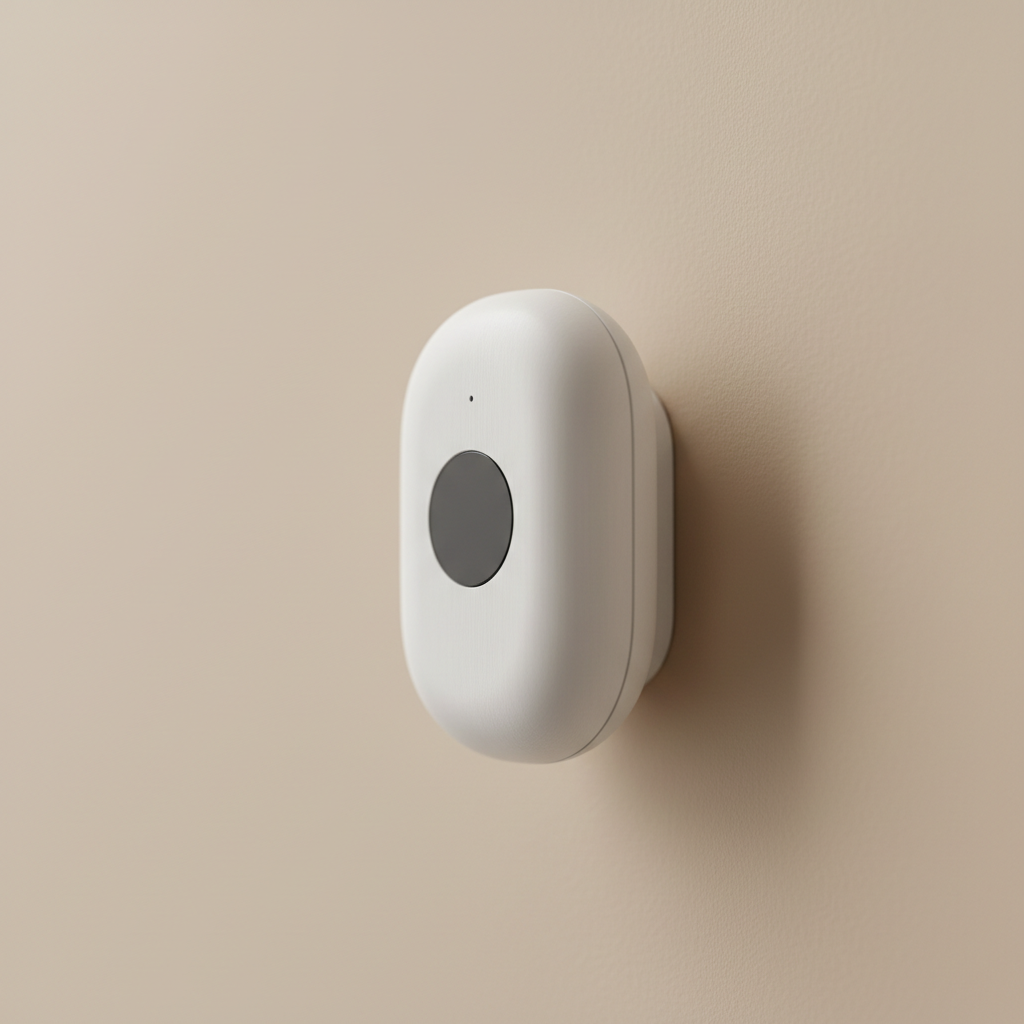
The Aqara FP300 is a 5-in-1 presence sensor that combines PIR and 60 GHz millimeter-wave (mmWave) radar with light, temperature, and humidity sensing. It supports both Zigbee and Thread, which means it can reach Home Assistant through Zigbee2MQTT or ZHA, or through a Thread border router as a Matter device.
Fit Summary
| Good fit | Not the right fit |
|---|---|
| Detecting a person sitting still at a desk or on a sofa | Rooms requiring multiple independent detection zones |
| Replacing a PIR that falsely triggers "no one home" | Installs that need a wired USB power supply |
| Adding light, temperature, and humidity alongside presence | Users who want a single-zone sensor at a lower price point |
| Zigbee or Thread environments with Home Assistant | HomeKit-only setups without a Thread border router or Zigbee hub |
It is a strong choice for rooms where you need to detect a person who is sitting or lying still—a home office, a bedroom, a reading corner—and where a simple PIR sensor keeps triggering 'no one home' automations by mistake.
PIR vs. 60 GHz mmWave: What Each Layer Does
A standard PIR sensor detects the infrared heat signature of a moving body. It works reliably when someone walks into a room, but it cannot detect a person who has settled into a chair or fallen asleep—there is not enough thermal movement to trigger it.
The FP300 adds a 60 GHz millimeter-wave radar layer. mmWave radar sends and receives radio pulses at extremely short wavelengths, making it sensitive to tiny physical movements—including the chest movement from breathing. This enables stationary presence: the sensor can confirm someone is in the room even when they have not moved for several minutes.
Motion Detection
PIR layer that triggers instantly on movement into the detection area. Perfect for fast entry lighting triggers.
Stationary Presence
60 GHz mmWave radar detects breathing and micro-movements to confirm occupancy while reading or sleeping.
Illuminance
Measures ambient light levels in lux for precise lighting automations based on actual room brightness.
Connecting the Aqara FP300 to Home Assistant
The FP300 supports two wireless protocols: Zigbee and Thread. Which path you take depends on your existing infrastructure.
| Protocol | How it reaches Home Assistant | What to verify |
|---|---|---|
| Zigbee | Pair directly to a Zigbee coordinator running Zigbee2MQTT or ZHA. | Coordinator firmware; Zigbee2MQTT version supporting FP300. |
| Thread / Matter | Connect via a Thread border router (Apple TV, HomePod mini) using Matter. | Home Assistant Matter version; border router stability. |
If you already run a Zigbee network, pairing the FP300 to your coordinator is the most straightforward path. The Thread/Matter path is a cleaner option for Thread-first setups, requiring a functioning Thread border router on the same network as Home Assistant.
Questions People Actually Ask
Does the mmWave radar produce false positives?
The FP300 uses AI-assisted filtering to reduce false triggers from curtains, fans, and small pets. While the default sensitivity works well, rooms with heavy movement may need manual adjustment via the Aqara Home app.
How well does stationary presence detection work?
The mmWave layer reliably detects breathing-level movement at typical office and bedroom distances. Performance is most reliable within 1–3 meters, though the rated range is 6 meters.
How is the FP300 powered?
The FP300 is battery-powered (CR2477). There is no USB or wired power option on this model. Battery life depends on your polling frequency and automation load.
Ready to Expand Your Setup?
Continue building your smart home with our expert Zigbee and Home Assistant guides.