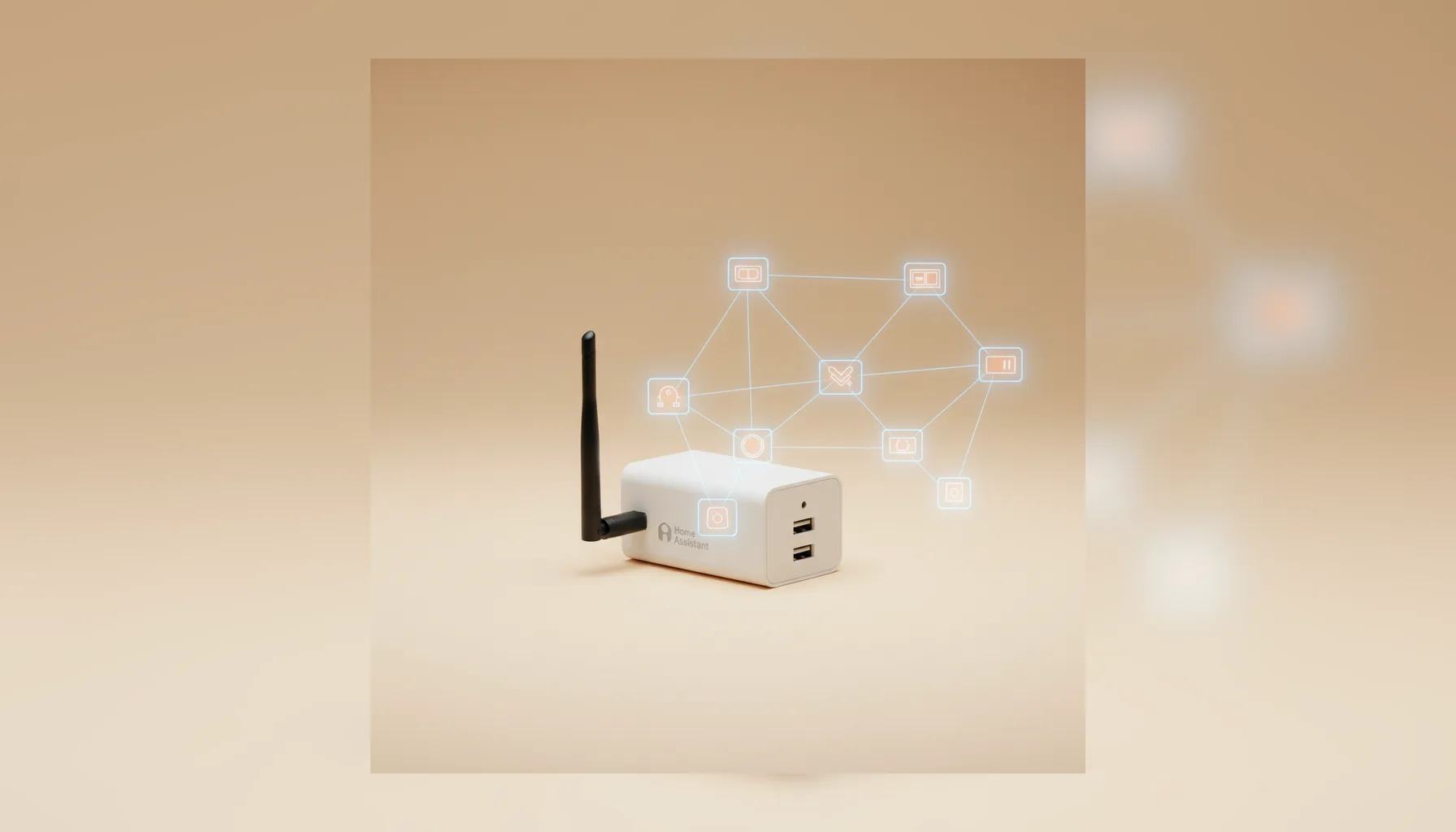
Local Control with Matter
Home Assistant supports Matter as a built-in integration. Once enabled, Home Assistant acts as a Matter controller: it commissions and controls Matter devices locally, with no cloud dependency required after setup. Adding a device takes the 11-digit setup code printed on the device or shown in its companion app — or a QR scan on a mobile device. For Matter devices that run over Thread rather than Wi-Fi, a Thread border router reachable on your local network is also required.
Console Status: Key Answers
Where is Matter in Home Assistant?
Settings → Devices & Services → Matter (or Settings → Connectivity → Matter for the network map).
How do I add a Matter device?
Go to Settings → Devices & Services → Add Integration → Matter (BETA) or use the + Add Device button. Scan the QR code or enter the setup code manually.
How do I view the Matter network map?
Go to Settings → Connectivity → Matter. Under My network, select Show map.
Do I need a dongle or hub?
No dedicated dongle is required for Matter over Wi-Fi. For Matter over Thread, a Thread border router (like HomePod mini or Apple TV 4K) is required.
Does it work without internet?
Yes. Home Assistant controls Matter devices locally after initial commissioning.
What You Need Before Enabling Matter
Matter in Home Assistant requires a supervised installation — either Home Assistant OS or Home Assistant Supervised. The Matter Server runs as an integration component managed by the supervisor; it is not available on Container or Core installations without a supervisor.
Essential Checklist:
- Matter Server add-on: Installed automatically during the first setup.
- IPv6 networking: Matter uses IPv6 multicast for discovery. Ensure IPv6 is enabled on your router.
- Setup code: The 11-digit numeric code or QR code from the device label.
- Thread border router: Required only for Thread-based Matter devices.
How to Enable Matter in Home Assistant
Adding the Matter integration installs the Matter Server automatically if it is not already running.
- Go to Settings → Devices & Services.
- Select Add Integration (the + button).
- Search for Matter and select it from the list.
- Follow the on-screen steps. Home Assistant installs and starts the Matter Server component.
- Once complete, Matter appears as an integration card.
How to Add a Matter Device
Using the mobile app (QR scan):
- Open the Home Assistant mobile app.
- Tap Settings → Devices & Services → Add Device → Add Matter Device.
- Scan the QR code on the device label.
- Home Assistant commissions the device locally.
Using the web interface (manual code):
- Go to Settings → Devices & Services.
- Select Add Integration and choose Matter.
- Enter the 11-digit setup code when prompted.
Note on Multi-Admin: Matter supports multi-admin commissioning, allowing you to share a device between Home Assistant and other controllers like Apple Home using a temporary setup code.
How to View Your Matter Network Map
Home Assistant includes a visual network map that shows commissioned devices and Thread network topology.
- Navigate to Settings → Connectivity → Matter.
- Under My network, select Show map.
- Select any device to view details: connection type, signal quality, and routing path.
This view was significantly improved in Matter Server 9.0 (June 2026), adding graphical Thread network visualization for enhanced diagnostics.
How to Remove, Re-pair, or Recover a Device
To remove a device:
- Open the Matter device page in Settings → Devices & Services.
- Select Delete from the three-dot menu.
- Critical: Factory-reset the physical device to clear its previous commissioning.
Fault recovery:
- Restart Matter Server: Go to Settings → Add-ons → Matter Server → Restart.
- Check Thread Path: Ensure your Thread border router is powered on and reachable via the network map.
- Unavailability: If a device remains unavailable, remove it, factory-reset, and re-pair.
Matter over Thread — General Prerequisites
Thread is a low-power mesh radio protocol. To use Thread-based Matter devices (like battery sensors or locks), you need:
- A Thread border router: Bridges the Thread mesh to your IP network (e.g., Apple HomePod mini, Apple TV 4K 3rd Gen+).
- IPv6 Support: Your network and Home Assistant host must support IPv6.
- Automatic Discovery: Home Assistant discovers border routers automatically once IPv6 is active.
Frequently Asked Questions
What is Home Assistant Matter Server?
The software component (add-on) that runs the Matter controller stack. Version 9.0 (2026) added improved stability and graphical visualization.
Do I need a separate Matter dongle?
No for Wi-Fi/Ethernet. For Thread, you need a Thread border router, which is a network device, not a dongle.
What is the difference between Matter and Thread?
Matter is the language (standard); Thread is the wire (transport). Matter can run over Wi-Fi, Ethernet, or Thread.
Can I use Zigbee through Matter?
Zigbee devices are usually managed via ZHA or Zigbee2MQTT. Some hubs act as bridges to expose Zigbee devices to Matter. See the Home Assistant Integrations guide for more details.