Start with the first error line, not the last
Most Zigbee2MQTT startup failures come down to the adapter, not Home Assistant. The official troubleshooting page says it plainly: "Most of the time this is caused by Zigbee2MQTT not being able to communicate with your Zigbee adapter." So let the log settle, read the first error: line, and treat everything after it — retries, Exiting..., watchdog restarts — as a consequence rather than a second problem. (Zigbee2MQTT: fails to start/crashes runtime)
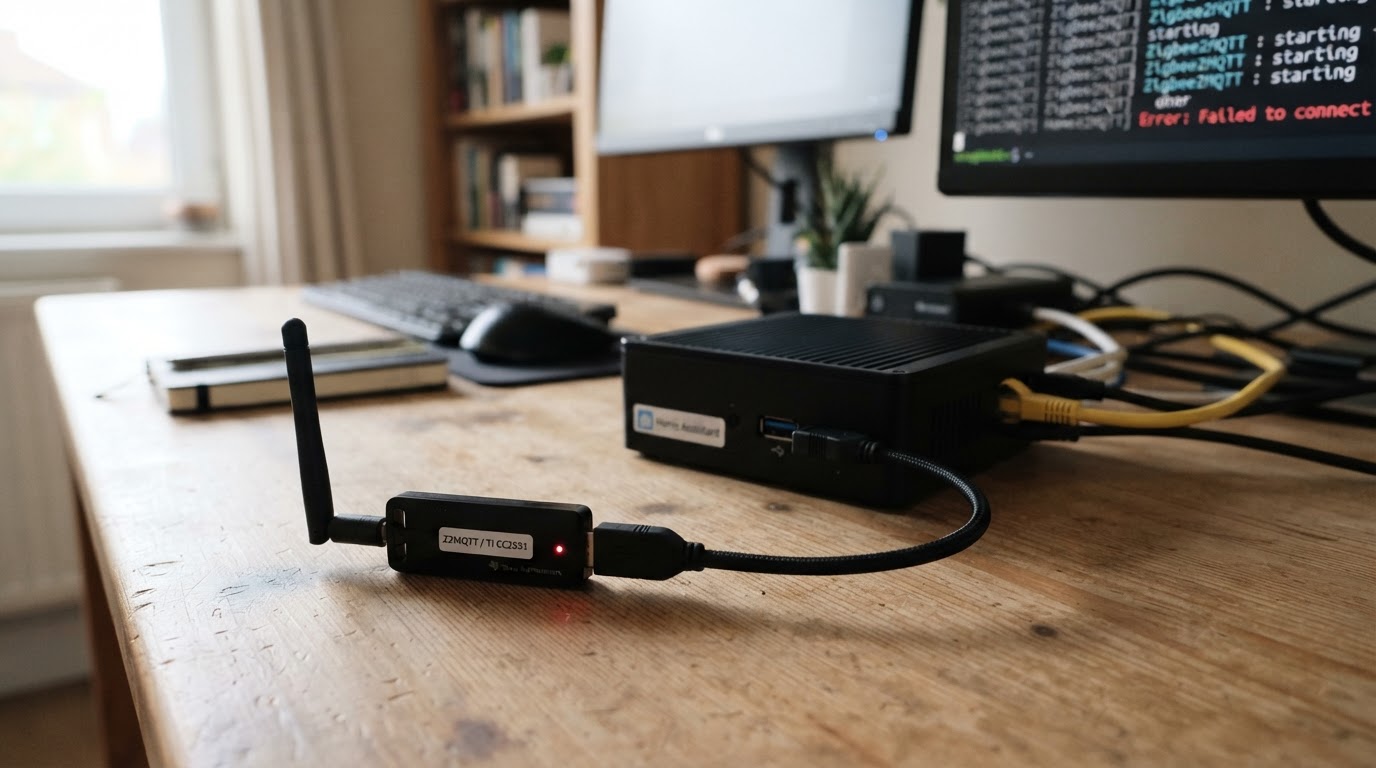
If you searched for "zigbee2mqtt home assistant not starting", this is the step people skip. The add-on log typically opens with Error while starting zigbee-herdsman before naming the specific reason, so the generic line is not the answer; the line beneath it is. With the app watchdog enabled, Zigbee2MQTT keeps stopping and restarting, repeating that same first error in the log.
Copy that first line, then use the table below. It maps each common message to exactly one next check.
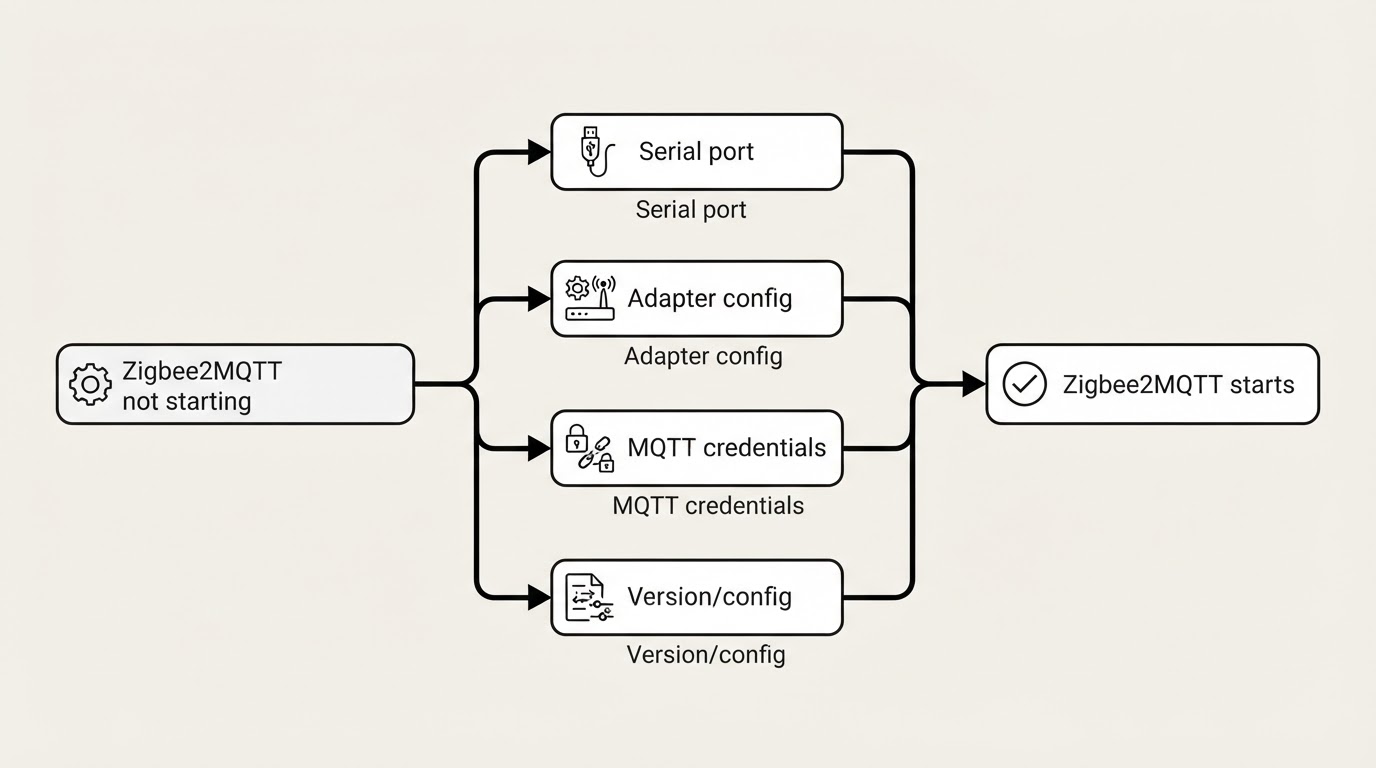
Match the log line to the next check
First log line (abridged) | What it usually means | Next check |
|---|---|---|
| The | Set |
| Another program already holds the radio | Find the process holding the port and stop it |
| Zigbee2MQTT cannot talk to the coordinator: moved port, wrong firmware role, or a competing service | Check the by-id port, the coordinator firmware, and ZHA |
| USB or 2.4 GHz interference, unstable power, or a resource-starved host | Fix cabling, power, and host load — not configuration |
| Network settings may no longer match the coordinator and its backup | Compare with a known-good backup before changing anything; do not delete network files as a quick fix |
| PAN ID or channel conflict with another Zigbee network | Change the PAN ID or channel and restart |
| The broker is unreachable or the credentials are wrong | Check |
Branch 1: the port is busy or the path moved
If this is a new installation rather than a failure on a previously working setup, start with the separate Home Assistant Zigbee2MQTT setup guide; the checks below assume the add-on is already installed.
Resource temporarily unavailable Cannot lock port is unambiguous: another program is using the adapter. On Home Assistant the usual suspect is the ZHA (Zigbee Home Automation) integration grabbing the same radio at boot; the official guidance is to disable ZHA and restart the Zigbee2MQTT app.
Check whether ZHA or another Zigbee service is configured to use that same coordinator. A /dev/ttyACM0-style path can refer to a different device after a reboot, while the /dev/serial/by-id/ path is generally more stable. In the Home Assistant hardware view, identify your adapter and use its actual by-id path in Zigbee2MQTT. Do not copy a port path from someone else's installation. A successful start is indicated by the service staying up and the log progressing past the adapter error.
Branch 2: the adapter configuration is wrong
Two fields decide how Zigbee2MQTT reaches the radio — the port and the adapter type:
serial:
  adapter: zstack
  port: /dev/serial/by-id/REPLACE_WITH_YOUR_ADAPTER_ID
This is only a template: replace both the adapter type and port with values for your own coordinator. The adapter value must match the coordinator firmware; the official documentation's TI CC-series example uses zstack, while other radios use different values. Check the supported-adapter guidance rather than changing firmware or resetting the network to make an example fit. (Zigbee2MQTT adapter settings)
Branch 3: MQTT credentials and reachability
The coordinator can start while Home Assistant still sees nothing. That is the MQTT layer. Zigbee2MQTT requires an MQTT server connection, configured under mqtt::
mqtt:
  server: 'mqtt://core-mosquitto:1883'
  user: my_user
  password: my_password
server is required; the documentation's example is mqtt://localhost:1883, and a broker running on the Mosquitto Home Assistant add-on is reached as core-mosquitto. If the log reports Not connected to MQTT server!, check the host, user, and password first. Use mqtts:// when your broker uses TLS, and keep certificate verification on: reject_unauthorized defaults to true, and turning it off hides real certificate problems rather than fixing them. Before touching the Zigbee configuration again, publish a test topic to the broker and confirm you can subscribe to it from Home Assistant. (Zigbee2MQTT: MQTT)
Branch 4: an update changed the version or the configuration
A Zigbee2MQTT not starting after update often lands here: after a release change, log wording and valid configuration values can differ from the guide you followed months ago, so match your version before editing.
Check the release notes and migration guidance for the version you installed before changing a previously working configuration. If you are moving data between a standalone install and the Home Assistant add-on, follow the official migration instructions and keep a copy of your existing data first.
The configuration-adapter mismatch error also belongs in this branch. If network values such as pan_id, network_key or ext_pan_id were edited, compare the current configuration with a known-good backup. Do not delete coordinator files or reset the network while diagnosing a startup issue.
Limitations: what the log cannot fix
- Changes to network identity and coordinator backup files can disrupt paired devices. Keep a backup and follow the official recovery procedure for your exact error and release before making destructive changes.
ERROR_EXCEEDED_MAXIMUM_ACK_TIMEOUT_COUNTis shaped by hardware: marginal USB cables, an under-voltage power supply, resource spikes on a small host, and cheap USB-to-Ethernet or USB-WiFi adapters that stall under load. Configuration edits will not fix a bad cable.- If your coordinator is LAN-connected, check the adapter's network connection and the documented serial-over-IP configuration separately from local USB-port checks.
- Error strings change between releases, so confirm the wording against the docs for the version you actually run.
- Do not expose the Zigbee2MQTT frontend or its port publicly.
FAQ
Where do I find the Zigbee2MQTT log?
In the Home Assistant add-on, open Zigbee2MQTT and check its Log tab. A frontend error such as 502: Bad Gateway is not by itself the underlying cause; read the add-on log before changing settings. (Zigbee2MQTT Home Assistant add-on guide)
Can I just delete the coordinator backup?
No. Do not delete coordinator or database files as a generic repair step. Save the current files, compare network settings with a known-good backup, and use the recovery steps for your specific Zigbee2MQTT version and error. Changes to coordinator identity can require device recovery or re-pairing.
Do I have to disable ZHA?
If ZHA uses the same coordinator, yes. ZHA holding the radio is one of the officially listed causes of the SRSP/HOST_FATAL error class, and it also produces Cannot lock port. Disable ZHA, or move it to a different adapter, then restart the Zigbee2MQTT app.