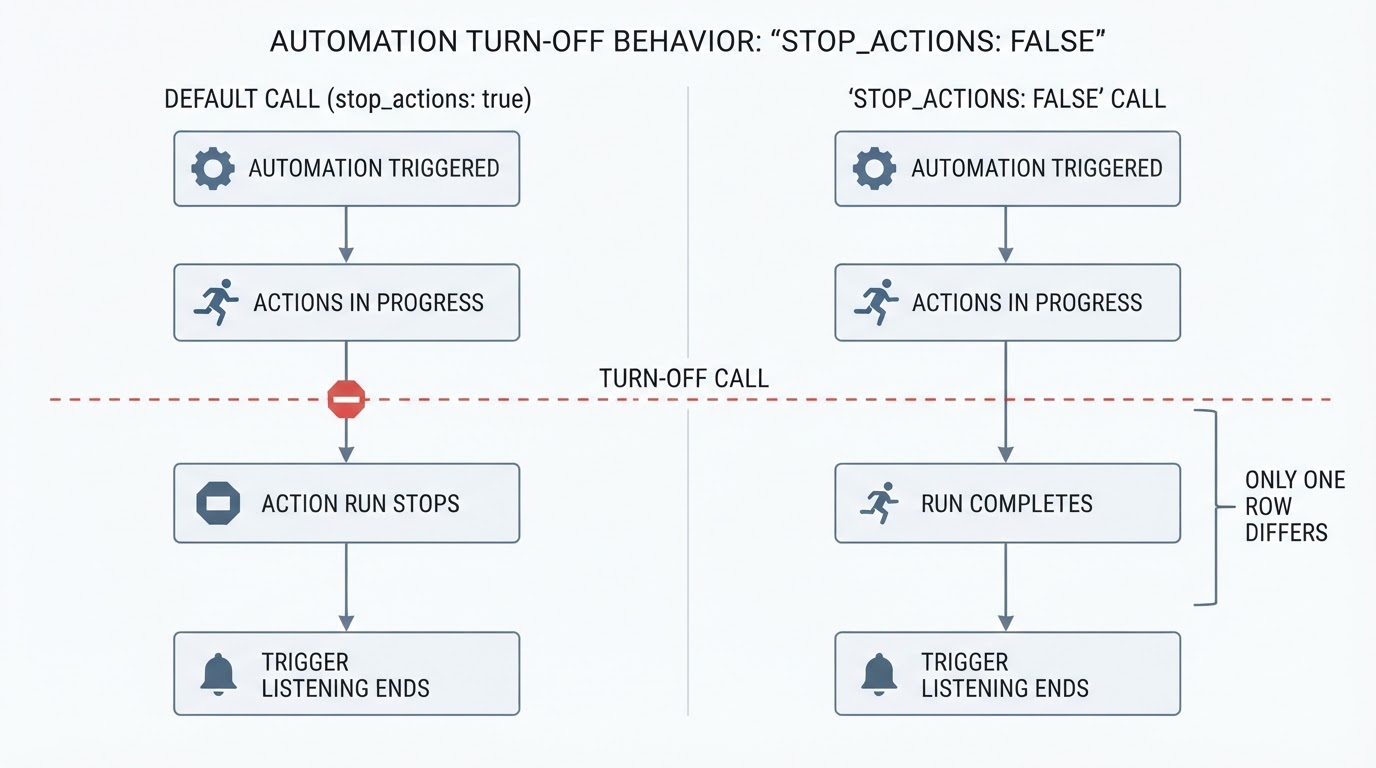
What the for: option waits for
The State changed documentation states it directly: "If you use the For at least (for) option, the timer resets if Home Assistant restarts or automations reload." That covers a full reboot and a Reload Automations, and both events have the same effect on the wait.
The for option is a trigger-level wait. Home Assistant watches the entity for a change into the qualifying state, then requires that state to stay unchanged for the duration before the trigger fires. The automation starts only when the wait completes, so at the moment of a restart there is no running automation holding a countdown. The pending duration sits in the trigger evaluation and is not saved as part of the entity's state.
One more documented detail matters when to lists several states: the entity must remain in the state it changed to, and a change from one listed state to another starts the time again. The hold is measured from the most recent qualifying change.
What happens to the countdown at startup
Whether a new transition appears after startup depends on the integration and on how that entity's state is restored. Home Assistant restores saved entity states, and integrations such as a Zigbee or MQTT bridge publish device states again when they reconnect. The order and timing differ between integrations, and a restored state is not the same thing as a state change that arrives afterwards.
Both outcomes are possible. If a change into the qualifying state is processed after startup, the trigger evaluates it normally and a fresh full for wait begins from zero; that is a restart of the countdown, not a continuation. If no qualifying change arrives, the automation is never triggered and the hold that was pending before the restart is gone.

That is why the device can look fine while the action never happens. The entity is still in the state you left it in; what disappeared is the pending duration that was going to fire the action.
Three waits that get confused
Trigger for. A wait before the automation starts. The run does not exist yet.
delay action. A wait inside the action sequence of a run that has already started. The automation delay guide covers its own failure modes.
Timer helper. A separate timer entity with start, cancel and finished states. The timer restore article explains what happens to its countdown across a restart.
The first is the case on this page. A trigger-level for duration is not made persistent by lengthening it or by adding a condition, because the duration lives in the trigger that is rebuilt on restart.
A deadline stored in an entity
An Input Datetime helper with date and time enabled stores a specific moment. Its documentation says that a valid initial value makes the helper start at that value, and otherwise it "will restore the state it had before Home Assistant stopping." Omitting initial is what lets the stored moment come back.
Two documented details make the helper usable as a deadline:
- With
has_time: true, the entity exposes atimestampattribute that templates can compare withnow(). - A
timetrigger accepts the helper directly, as in the documentation'sat: input_datetime.bedroom_alarm_clock_time.
The moment is written with input_datetime.set_datetime, using datetime: "YYYY-MM-DD HH:MM:SS" or a UNIX timestamp. A template such as {{ (now() + timedelta(hours=2)).strftime('%Y-%m-%d %H:%M:%S') }} turns "two hours from now" into a stored value.
This is a separate design, not persistence for for. Nothing in Home Assistant converts a dropped countdown into a timestamp; the helper means something only because an automation writes it and later reads it. A saved timestamp also says nothing about whether the action succeeded. It records the moment you intended to act, while the device still has to be reachable and the conditions still have to pass when that moment arrives.
The setup, and where each check belongs
The fragments below are a design to adapt and verify in your installation, not tested automation code. Substitute your own helper names and entity IDs.
Two helpers, neither with initial, so the values from before the restart are restored:
input_datetime:
  <device>_off_deadline:
    name: <Device> off deadline
    has_date: true
    has_time: true

input_boolean:
  <device>_deadline_armed:
    name: <Device> deadline armed
The deadline is set by the operation that deliberately starts the hold: a script, a dashboard button, or the automation that turns the device on as part of a routine. In that same operation, write the time and raise the flag:
- action: input_datetime.set_datetime
  target:
    entity_id: input_datetime.<device>_off_deadline
  data:
    datetime: "{{ (now() + timedelta(hours=2)).strftime('%Y-%m-%d %H:%M:%S') }}"
- action: input_boolean.turn_on
  target:
    entity_id: input_boolean.<device>_deadline_armed
Keep this arming step away from any trigger that watches the device's own state. A device that reconnects after startup can report itself as on, and arming on that recovered state would overwrite the deadline you saved or arm a hold you did not start. Arming belongs to the deliberate start, not to the device becoming available.
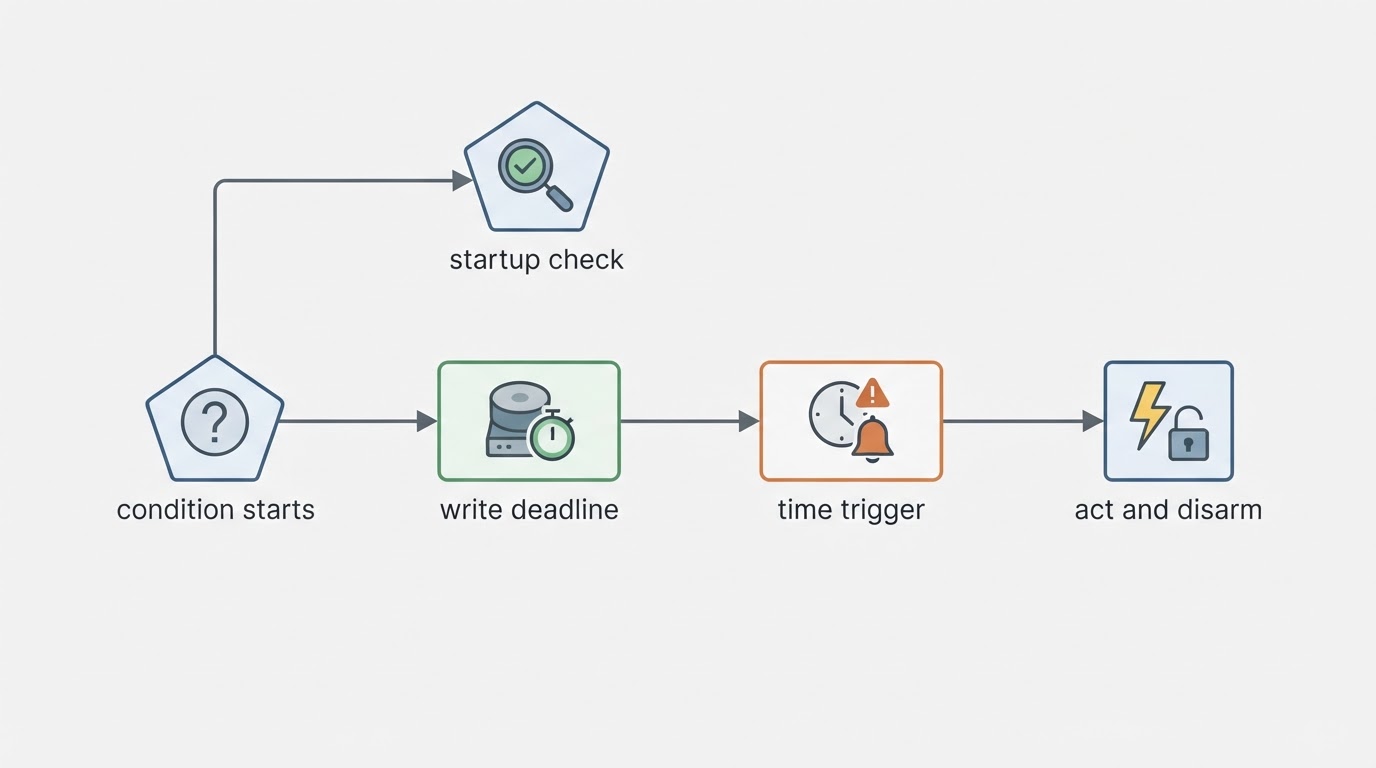
The handler for the deadline has two jobs: act at the stored time, then clear the flag. A time trigger with at: pointing at the helper fires at the stored moment. Two state conditions decide whether it acts: the armed flag must be on, and the monitored entity must still be in the qualifying state. The action completes the hold, then turns the flag off, so a later restart cannot handle the same deadline twice.
Disarming is the mirror of arming. When the monitored condition ends on purpose, turn the flag off. The stored timestamp can stay where it is; with the flag off it no longer describes a live hold, and the time trigger's condition will not pass.
The startup check has to be added separately. A homeassistant trigger with event: start fires after the instance finishes starting, but the monitored entity may still be unavailable or missing at that moment. Wait for that entity to report a real state before comparing the stored deadline with now(). Once it is available, act only if the flag is still on, the entity is still in the qualifying state, and the deadline is in the past; then handle the overdue hold once and clear the flag. Do not arm anything from this check. A recovered entity is not evidence of a new hold.
A missed deadline is not replayed automatically. The time trigger fires at a moment that has already passed; what happens afterwards is decided by the startup check and its conditions. Test that path with a short deadline, a restart, and the automation trace.
When the trigger-level for is still enough
If nothing depends on the hold completing, keep for and skip the helpers. A notification that does not arrive, or a reminder that is only useful once the state has already been quiet for a while, can be dropped without a repair.
Duration is not the deciding factor, because a long hold and a short one are lost in the same way. The question is what depends on the action happening. When the moment matters, the stored deadline is the thing you can read back after startup, and the flag plus the state check are what keep it from acting twice or acting on a deadline that no longer applies.