What you are actually buying
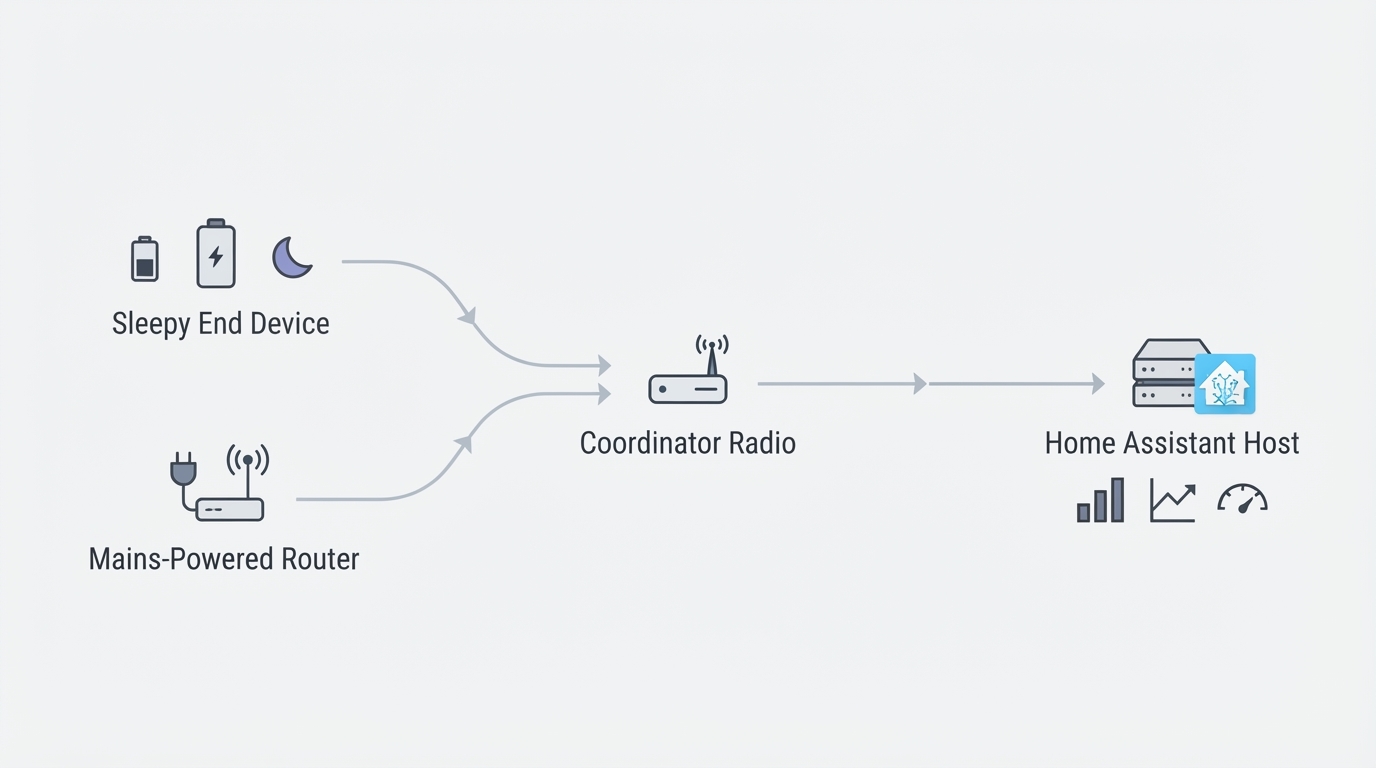
A Zigbee coordinator is the one radio in the house that every sensor, switch, and bulb reports to. In Home Assistant it is the adapter your Zigbee stack drives, whether that is ZHA or Zigbee2MQTT, and it fixes three things that are painful to change later: the network channel, the network key, and the physical spot where the mesh is rooted.
That makes a coordinator purchase two decisions in one. The hardware decides where the radio can live and how it reaches Home Assistant. The migration path decides whether you keep every device you have already paired, or spend an evening on a stepladder.
The SLZB-06M sits at the far end of that first decision. It is the kind of coordinator you buy when the radio cannot stay in the box that runs Home Assistant, and if that is not your situation, most of what follows will tell you to keep your money.
This article is published by ConnectedCasa, an independent smart home publication, with no affiliate links, no sponsored placements, and no manufacturer approval.
ConnectedCasa product interface.
When the placement argument wins
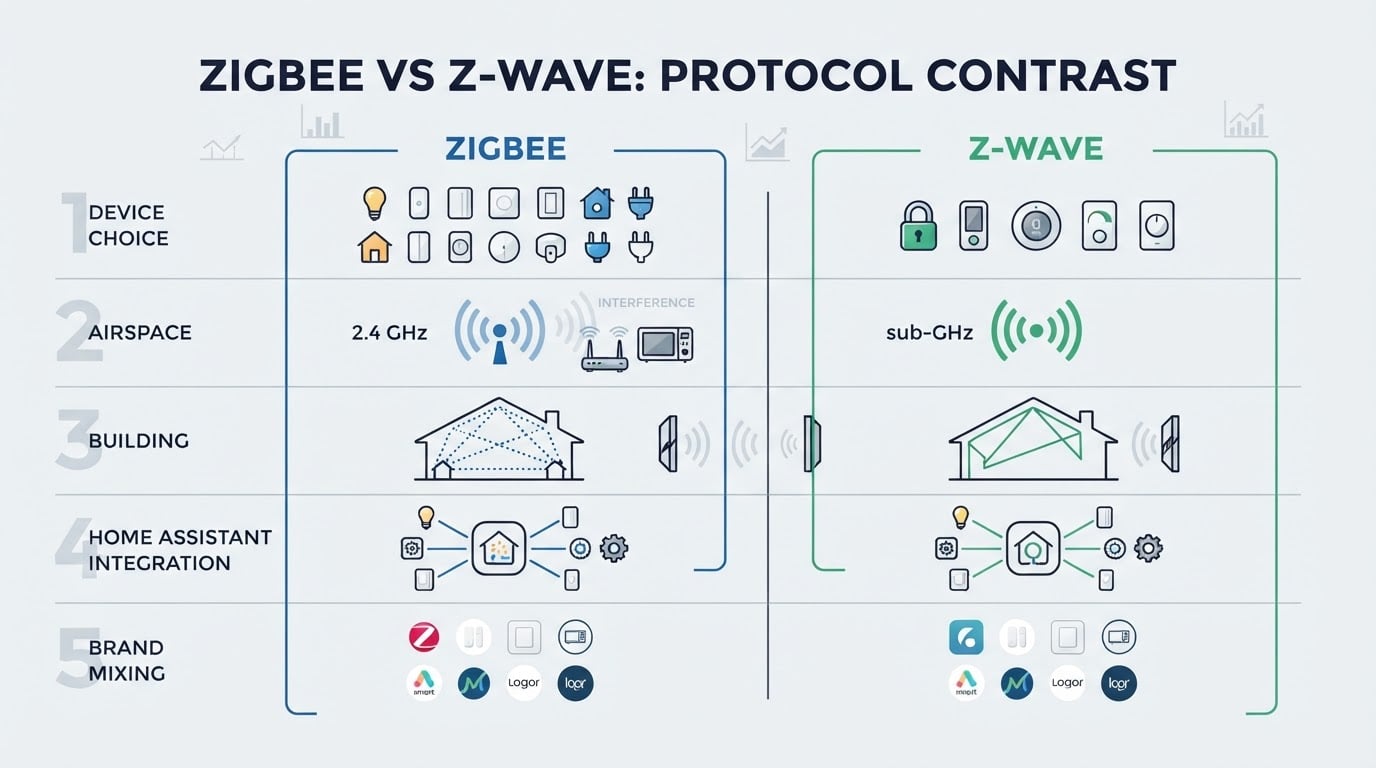
Radio is radio. A coordinator's antenna does not improve because the box costs more, and 2.4 GHz is a crowded band: USB 3.0 ports, external drives, and the host's own Wi-Fi all sit in the same space, and they do not need to be transmitting to cause trouble. A coordinator plugged into the back of a rack server, inside a closed metal cabinet, is effectively signalling through a wall of its own making.
There is a fair counter-argument. Mains-powered Zigbee devices act as routers, so the usual fix for a weak mesh is more router-capable devices, not a new coordinator. That is true, and it is why we tell people with a small, centrally placed setup to close the buying guide and spend the money on a smart plug instead.
The placement case is narrower and more specific. Past roughly 30 devices, with Home Assistant in a rack, a closet, or a garage, the coordinator stops being one more device and becomes the anchor of a mesh that spans the house. ConnectedCasa's coordinator coverage makes exactly this argument: the win comes from getting the radio out of the rack, and our guide points to the SLZB-06 as the Ethernet or PoE option for 30-plus device homes.
What you are paying for there is freedom of location, not extra range, and that distinction is worth holding on to when you read the marketing.
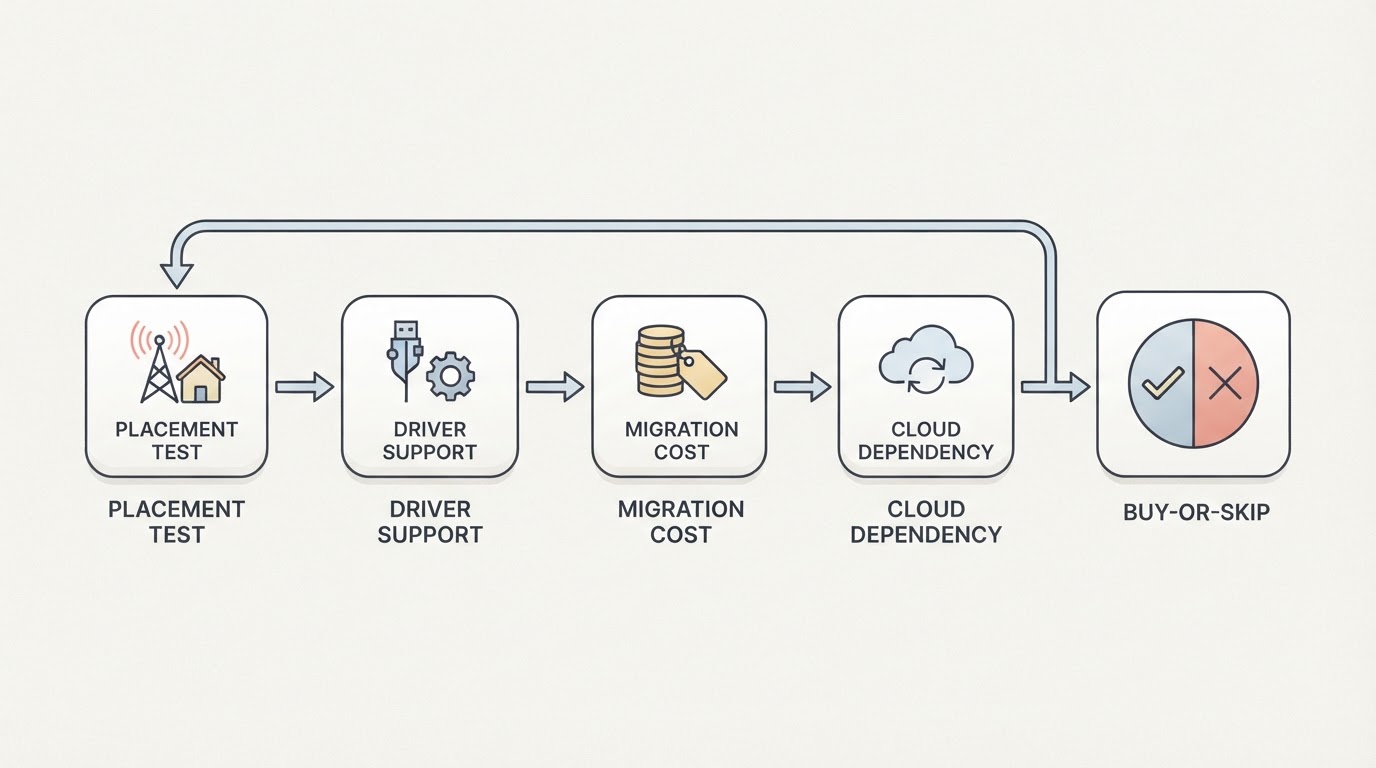
Five checks before you order
Match the exact variant. Model numbers in this family look alike, and store listings reuse each other's photographs. Open the vendor's current page and confirm the name of the variant in the cart, the radio it ships with, how it is powered, and which cables are in the box, then compare that against the photo in the review you are reading. Five minutes now beats return shipping later.
Check the radio against your stack. ZHA and Zigbee2MQTT support adapter families, not brand names, and support status moves between releases. Look the model string up in your stack's current list of supported adapters rather than trusting the family name, and check it again if you plan to change stacks later.
Confirm firmware and recovery. A coordinator you can only flash one way is a coordinator you can brick. Find out how updates are applied and what the documented recovery is if an update fails. If the manual does not say, ask the vendor before you pay.
Make sure you can back it up. This is the check most people skip. Your stack should let you read out and store the coordinator's network identity, the IEEE address, network key, and PAN ID, because that backup is the thing that lets a future swap keep every pairing. With no backup, the next section turns into a re-pairing weekend.
Know what the price band buys. Coordinators run from about $20 for the cheapest USB dongles, where the Sonoff ZBDongle-E is the entry point on our own shortlist, up to mains-powered units at EUR 60 and above. The USB end of that range buys a radio that lives inside your server, which is the constraint a placed coordinator exists to remove, and it is worth being honest that most homes never hit it.
Decision | USB coordinator | Placed coordinator |
|---|---|---|
Reference model | Sonoff ZBDongle-E, the ~$20 USB option | the SLZB-06M you are evaluating here |
Where the radio lives | In the machine running Home Assistant, wherever that is | On a shelf, with a cable run to the switch, away from the rack |
Extra dependencies | None beyond the USB port | Power, network, and its own firmware |
Typical shortlist entry | Sonoff ZBDongle-E, around $20 | Mains-powered units, EUR 60 and above |
Fits best | A small home with a central server | 30-plus devices with the host in a closet |
Commissioning in the right order
Order matters more than any single setting here. An SLZB-06M that is flashed, placed, and backed up in the wrong sequence will cost you a rebuild, so work through these steps in order.
Decide the channel plan first. Zigbee runs on channels 11 to 26, and Wi-Fi uses 1, 6, and 11 in the same band, so a Zigbee channel sitting on top of your router's channel is self-inflicted interference. Scan your Wi-Fi, pick a Zigbee channel that keeps clear, and treat it as a one-way door, because changing the channel later means re-pairing every device you own.
Update firmware before you pair anything. The build that ships on a new coordinator is the least-tested one you will ever run. Update it while the radio is still on the bench, confirm the version your stack reports, and only then start pairing.
Place it where it will live. Do not commission a coordinator on a desk next to your laptop and then move it to the attic. Pair the first device from the spot the coordinator will actually occupy, because that is the only way link-quality readings mean anything.
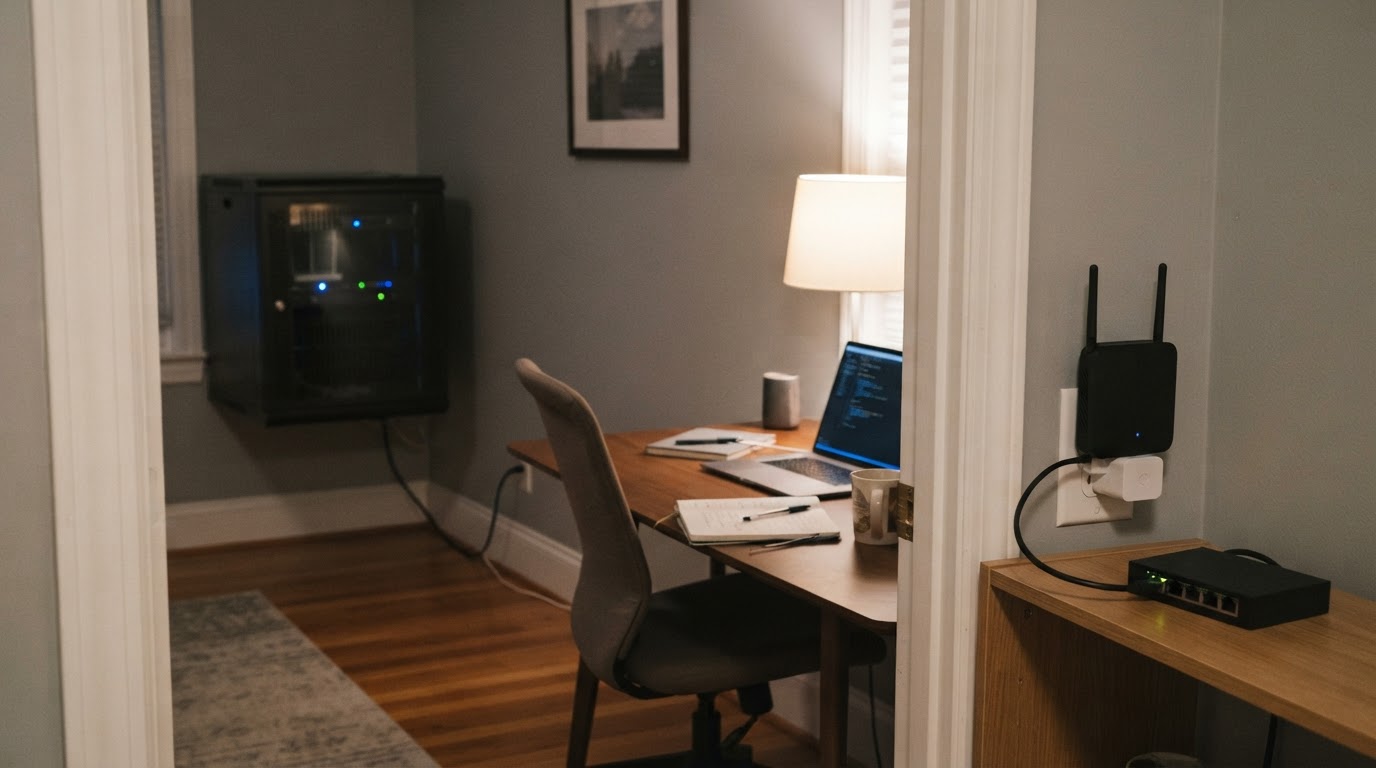
Bring it into Home Assistant properly. Add it in ZHA or Zigbee2MQTT, give its address a DHCP reservation if it depends on your router, and write down the channel and network key your stack reports. That is your baseline before a single device joins.
Back up immediately. The moment the network is up, save the coordinator backup and the key somewhere that is not the machine running Home Assistant. It takes a minute and saves an evening.
Pair one device, then check that it survives. Start with a mains-powered device near the coordinator, confirm that it joins and reports state, then restart Home Assistant and confirm the network comes back without you touching anything. Work outward from there.
You are finished commissioning when a device at the far end of the house still reports state after that restart, with the coordinator in its final location and nothing plugged into the machine it left behind.
Migrating without re-pairing the house
If you are replacing a working coordinator, the risk is not the hardware but the network identity. A Zigbee network is defined by its PAN ID, its channel, and its network key, and devices do not care which physical radio is running the show as long as that identity is the same.
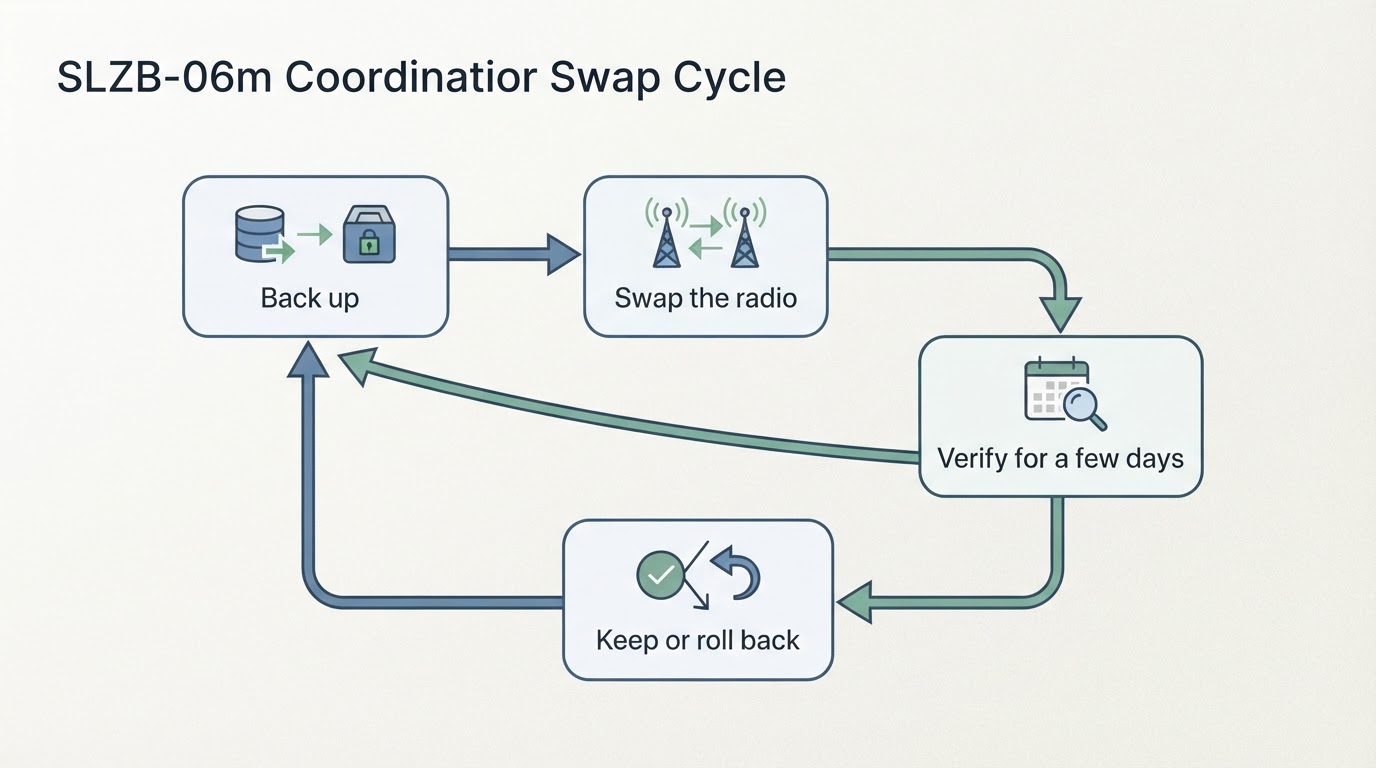
ConnectedCasa's coordinator coverage documents a 46-device swap that moved every device to a new coordinator with zero re-pairing, and the reason was not luck: the backup went onto the new radio and nothing else changed that night. If the new coordinator uses a different chipset family than the old one, expect the opposite, because the backup usually cannot be restored across families and every device re-pairs from scratch.
Two habits make that difference survivable:
- Keep the old coordinator until the new one has run for a few days. Rollback should be a swap back, not a rebuild.
- Change one thing at a time. Do not combine the swap with a Home Assistant core update or a driver change.
And keep expectations honest: a coordinator swap does not extend your range. Coverage comes from where your mains-powered routers sit, so if half the house drops devices, count the routers before you replace the anchor.
How this guide was put together
The checks above are the ones we would run on our own hardware, and the placement argument comes from coordinator coverage built on a live Zigbee network rather than spec sheets. Where a product detail was not available to verify, this guide says so and tells you what to check instead.
Where this coordinator fits, and where it does not
A small home with a central server. Buy the cheap USB coordinator. A placed coordinator solves a placement problem you do not have yet, and the money is better spent on a router-capable device in the room that drops connections.
Home Assistant in a rack, a closet, or a garage, with 30-plus devices. Move the radio. A coordinator you can place near the mesh, power separately, and reach over the network removes most of the interference problem in one purchase, and that is the case the SLZB-06M exists for.
A network that already works. Do not migrate. The upside is small, the downside is an evening of re-pairing, and nobody ever got thanked for swapping hardware that was fine.