How far does Zigbee actually reach?
Zigbee's practical range is roughly 10–100 m per hop with a clear line of sight, and a handful of meters through interior walls in a typical home. Both numbers describe the same radio: the first assumes open air and a quiet 2.4 GHz band, the second adds drywall, furniture, cables and neighboring networks. A single link and a whole network also measure differently:
- Line of sight. With nothing in the way — a long room, a corridor, a garden — one hop can cover tens of meters. Zigbee's low data rate and narrow channels let weak signals stay usable far longer than a video stream would tolerate.
- Through a house. Walls, floors, metal, foil-backed insulation, mirrors and a full bookcase all strip signal. A hop that spans ten meters in open air may cover only a fraction of that after two or three interior walls.
- Across a mesh. Zigbee is a mesh: devices relay for each other. Network coverage is therefore many short hops added together, not one long throw from the coordinator.
The practical question is rarely "how far is one hop?" It is "how many hops do I have, and are they close enough to each other?"
Key answers at a glance
Each row answers one question on its own.
Question | Short answer |
|---|---|
How far does Zigbee reach outdoors? | About 10–100 m per hop with line of sight; a clear path and a good antenna can stretch that further. |
How far does Zigbee reach through walls? | Often only 5–15 m per hop through drywall, and much less through brick, concrete or foil-backed insulation. |
Does range add up across a mesh? | Yes. Every mains-powered router repeats traffic, so the network spans far more than a single hop. |
What limits Zigbee range most? | Obstruction and 2.4 GHz interference from Wi-Fi, Bluetooth, USB 3.0 ports and crowded channels. |
Is Zigbee range worse than Z-Wave? | A single Zigbee hop is usually shorter, but a dense Zigbee mesh can cover a house just as completely. |
What actually extends Zigbee range? | Mains-powered repeaters, a well-placed coordinator, and a channel with less local interference. |
Planning coverage on a real home mesh
Plan around the routers, not the coordinator. A Zigbee network grows outward from the coordinator through mains-powered devices, and each of those devices becomes a stepping stone for everything beyond it.
Start with one honest hop. Measure what your coordinator reaches directly before planning the rest of the house. If a device in the next room cannot hold a stable link, no sensor further away will do better.
Count mains-powered devices, not battery ones. Smart plugs, in-wall modules and most mains-powered bulbs usually route traffic for the mesh. Battery-powered sensors, remotes and buttons usually do not — they sleep to save power. A room with five motion sensors and no mains-powered device is a dead end, not a relay.
Keep hops short and overlapping. Place a router about one room away from the next one instead of stretching a single hop across the house. Coverage works like a chain: each link only has to be good enough for the next, and every added router gives devices a second path when a wall or a microwave gets in the way.
Put the coordinator where the mesh begins. The coordinator is the first hop for everything, so its position matters more than its specification.
What actually changes Zigbee range in a house
Obstruction and interference decide the range you get, not the range printed in a product table. The same coordinator can cover an open-plan flat comfortably and struggle in a stone house with a server cupboard in the middle.
Walls and materials. Drywall costs some signal; brick, stone, concrete and reinforced floors cost much more. Metal is the worst case — foil-backed insulation, metal studs, a filing cabinet, a mirror or the case of the server rack itself can block a hop almost completely.
2.4 GHz interference. Zigbee, Wi-Fi and Bluetooth all share the 2.4 GHz band. A busy Wi-Fi network, a USB 3.0 drive enclosure or a microwave oven in the wrong spot raises the noise floor and shortens usable range. Zigbee's channels overlap parts of the Wi-Fi band, so channel choice matters in dense neighborhoods.
Placement traps. A dongle plugged into the back of a server, inside a metal cupboard, next to the Wi-Fi router or beside an external SSD starts from behind. Moving the coordinator is often cheaper than buying a stronger one.
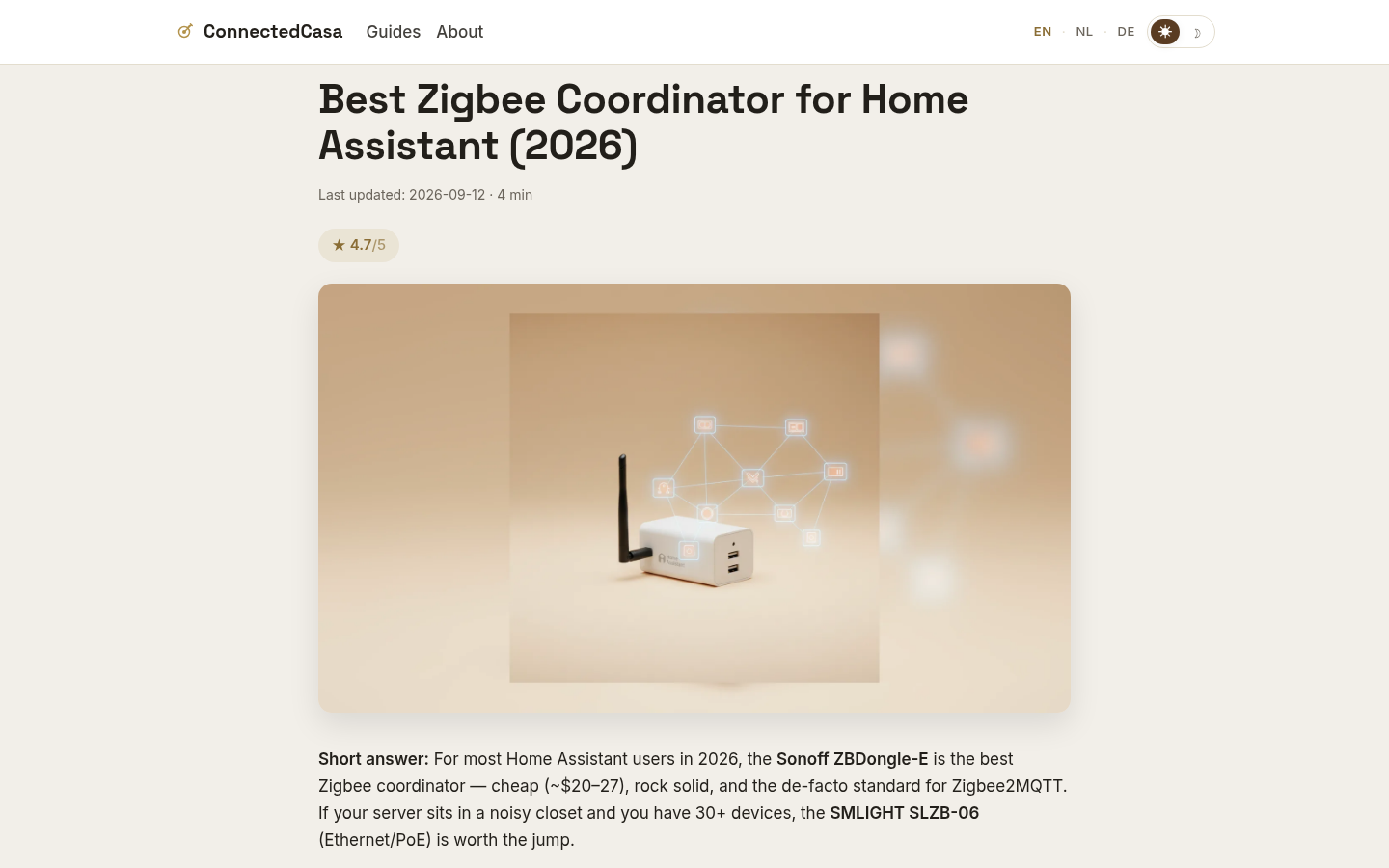
Field notes from a real installation point the same way. ConnectedCasa, an independent smart-home publication, documents a 46-device Zigbee network running on a Sonoff ZBDongle-E, and its bench notes record a result that spec sheets miss: moving the dongle 1–2 m off the server on a USB 2.0 extension helped more than any hardware upgrade. The radio was fine; its position was not. The same publication frames its Zigbee vs Z-Wave guide on four criteria — reliability, range, device choice and Home Assistant compatibility — rather than a single range figure, which is the right way to compare protocols for a home.
Felo product screenshot.
Zigbee vs Z-Wave vs Wi-Fi range
Zigbee trades a shorter single hop for a mesh that gets denser every time you add a mains-powered device. The three radios in a typical smart home answer the range question differently:
- Zigbee (2.4 GHz, mesh). Short hops of roughly 10–100 m line-of-sight, and quick recovery whenever another router joins. It penetrates some walls better than Wi-Fi, but shares its band with Wi-Fi and Bluetooth, so interference is the usual enemy.
- Z-Wave (sub-GHz, mesh). The lower frequency travels further through walls per hop — commonly tens of meters rather than a handful. Classic Z-Wave allows fewer hops, so whole-home coverage depends heavily on how many routers you deploy.
- Wi-Fi (2.4 GHz and 5 GHz, star). Each device talks to an access point rather than to other devices. Wi-Fi has more transmit power and greater raw range in open air, but no mesh relay for low-power sensors: a distant battery sensor either connects or it does not.
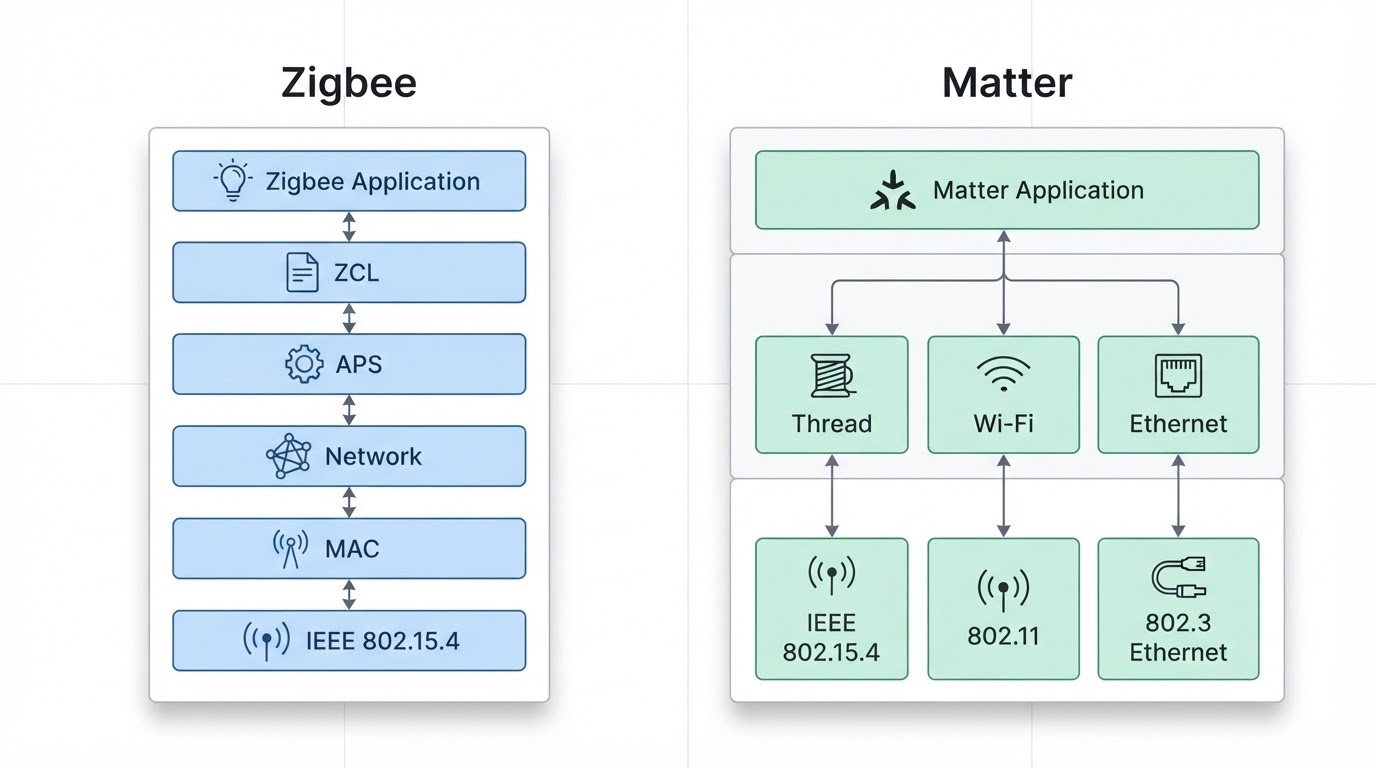
Your software stack does not change any of that. ZHA and Zigbee2MQTT drive the same radios, so the meters you get are the same; what differs is the diagnostics you can see while chasing a weak link.
How to extend Zigbee range
Add a mains-powered router first, move the coordinator second, and change the channel third. In most homes the fix is placement and density rather than a new radio.
- Add a router between the coordinator and the weak spot. A smart plug, an in-wall module or a mains-powered light placed at the edge of solid coverage. A repeater dropped where the network is already weak cannot help anyone.
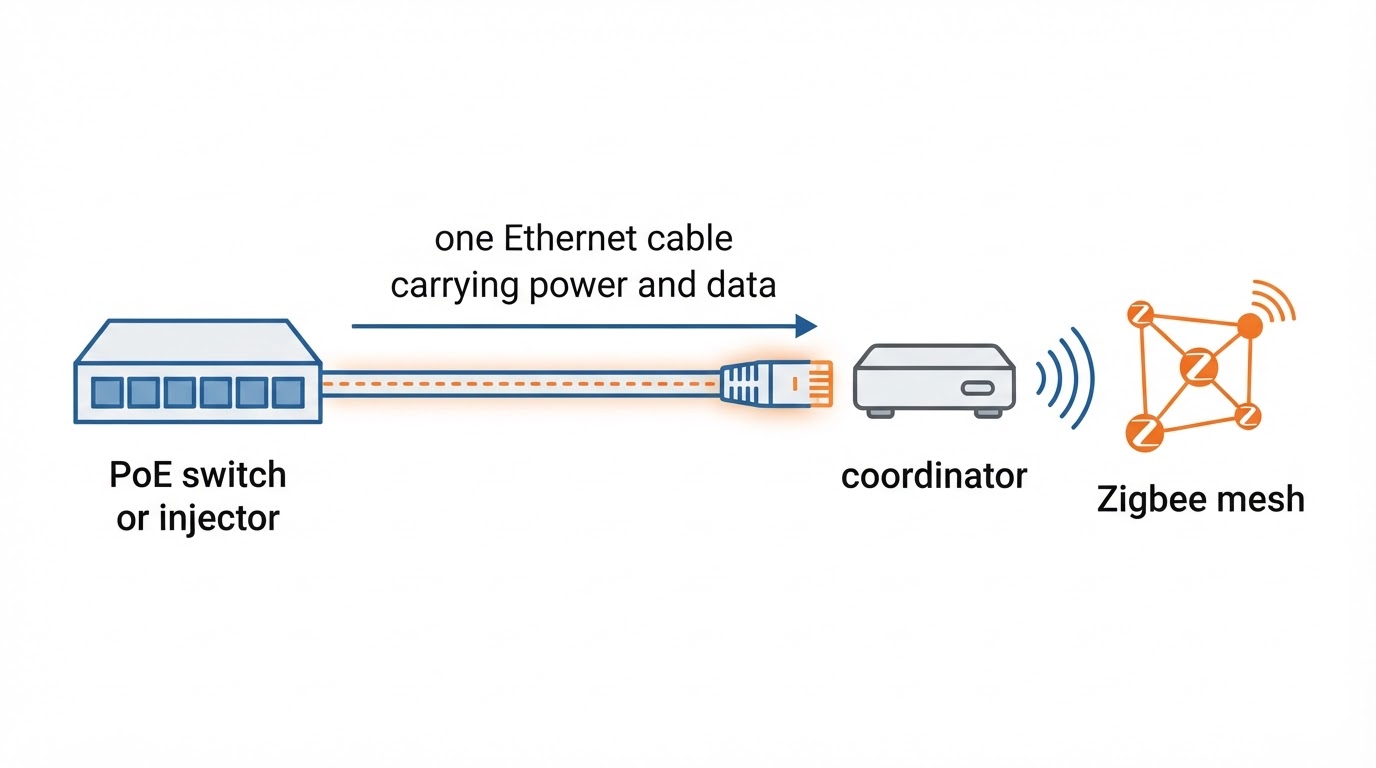
- Move the coordinator out of its enclosure. Get a USB dongle out of the server case and onto a short USB 2.0 extension cable, away from USB 3.0 ports, drives and the Wi-Fi router. For a rack-mounted server in a noisy cupboard, an Ethernet/PoE coordinator placed outside the rack can do more than a stronger USB radio.
- Change the Zigbee channel. If Zigbee and Wi-Fi are fighting, move the Zigbee network to a channel with less local Wi-Fi overlap. In a 2.4 GHz home, channels 15, 20 and 25 are the usual starting points; after a change, give the mesh time to settle and re-check the weak devices.
- Close long gaps in the mesh. Add routers so that no device depends on one hop across the whole house. Zigbee picks alternate routes when they exist.
- Keep battery devices near a router. Since most battery devices do not route, they should sit within a good hop of a mains-powered relay, not at the end of a long chain.
How to measure your actual Zigbee range
Measure link quality, not signal bars. Your coordinator software can show the quality of each link, and the goal is to find the distance and materials where a link starts to become unreliable.
Walk a single device outward from the coordinator and watch its link quality and availability as you move it room by room. Repeat the test with the device in its intended final position and check which router it attached to. A network map helps here: it shows the path traffic actually takes, which is often not the path you assumed. If a device keeps switching parents or dropping offline, that spot needs a closer router — not more devices downstream of it.
FAQ
Is 10 meters enough for Zigbee? Ten meters is fine for a single hop between a coordinator and a nearby router, but not for covering a whole house directly. With a mesh, each 10-meter hop extends the network, so 10 meters is a building block rather than a limit.
Does Zigbee go through walls? Yes, but weakly. Drywall costs some range, brick and concrete cost much more, and metal or foil-backed insulation can stop a hop almost completely. Expect a few meters per hop through masonry, not tens of meters.
Does every Zigbee device extend range? No. Mains-powered devices usually route traffic and extend the mesh; most battery-powered sensors, buttons and remotes do not, because routing would drain their batteries.
Is Z-Wave range better than Zigbee? A single Z-Wave hop usually travels further through walls because it uses sub-GHz frequencies. Whole-home coverage still depends on mesh density, so a well-planned Zigbee network can match or beat a sparse Z-Wave one.
Does Zigbee interfere with Wi-Fi? They share the 2.4 GHz band, so they can interfere with each other. The usual symptoms are dropped devices and unreliable links rather than total failure. Channel choice and physical distance between the coordinator and the Wi-Fi router reduce the problem.
How far can Zigbee reach outdoors? Indoor-to-outdoor is the hard case: the signal must leave through a wall before it starts its long, clean run. In open air, one hop can cover the full line-of-sight range and more with a good antenna. For a garage or garden sensor, put a mains-powered router near the outside wall.
Can I extend Zigbee range with a Wi-Fi extender? No. A Wi-Fi repeater repeats Wi-Fi; it has no idea what Zigbee traffic is. Use another mains-powered Zigbee device, a dedicated Zigbee router, or a second coordinator only if you accept running two networks.